AI model photos for fashion marketplaces
Turn mixed seller uploads into a cleaner catalog experience. AI Fashion Model helps marketplace teams create consistent on-model visuals from flat-lays, packshots, and supplier photos.
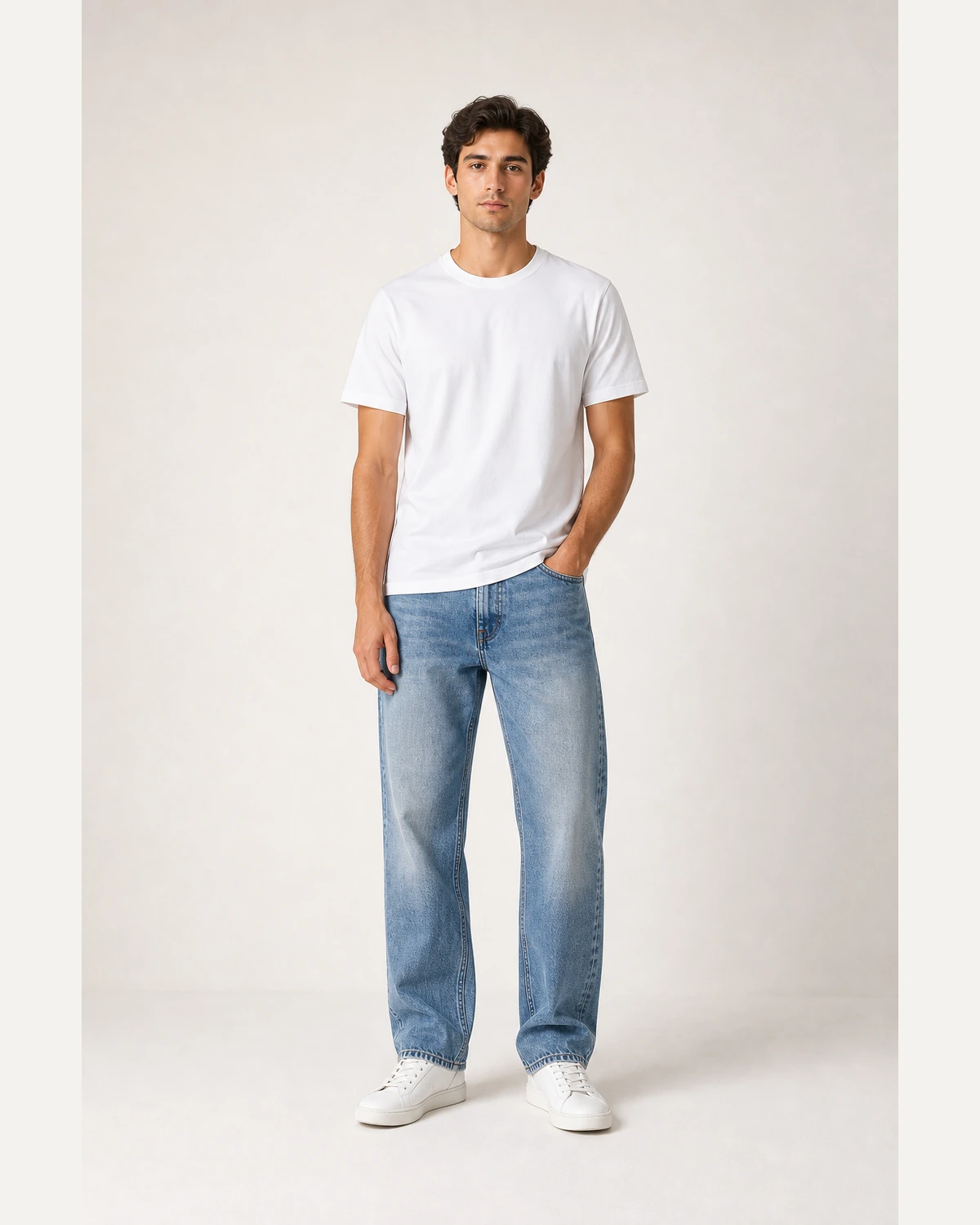
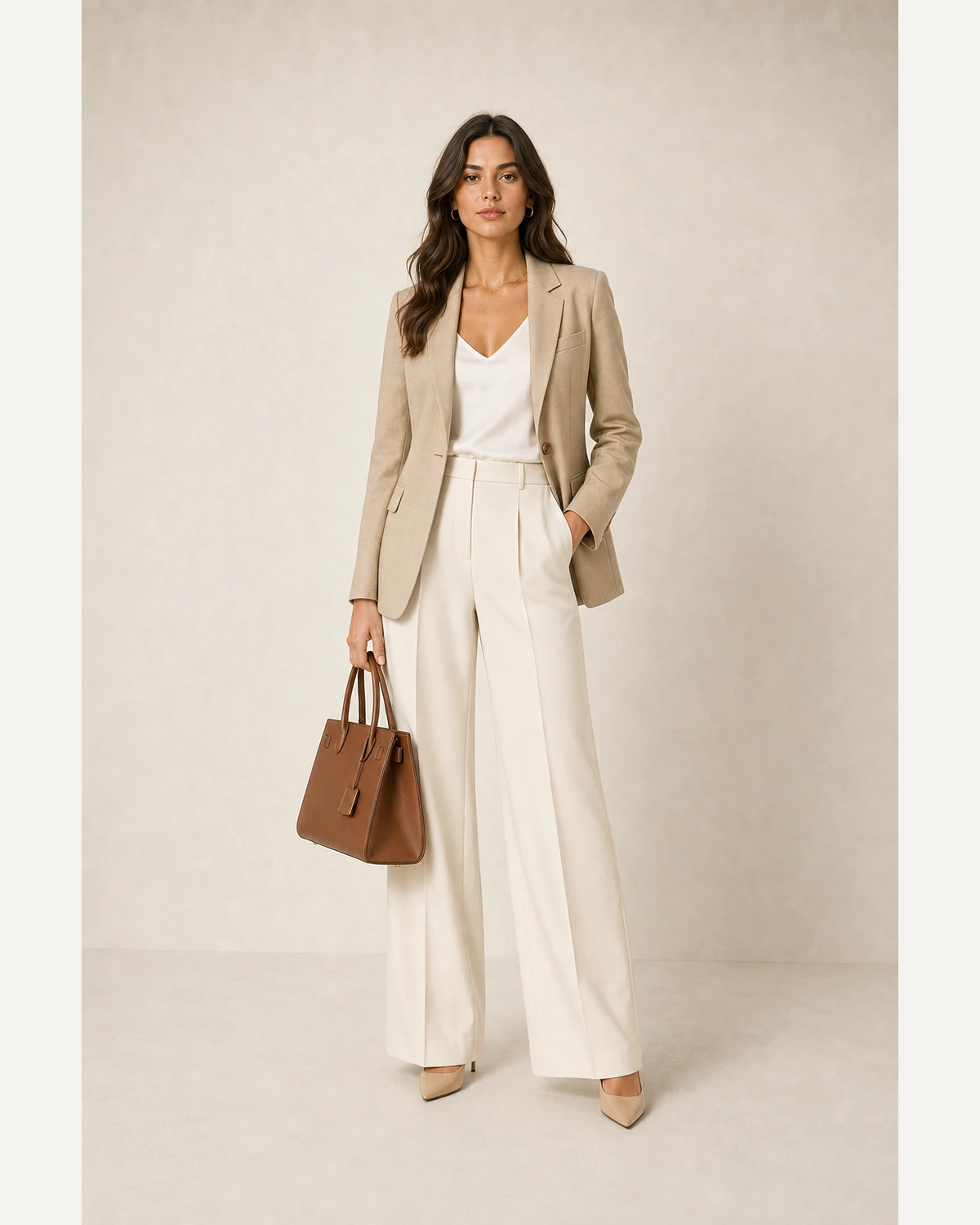
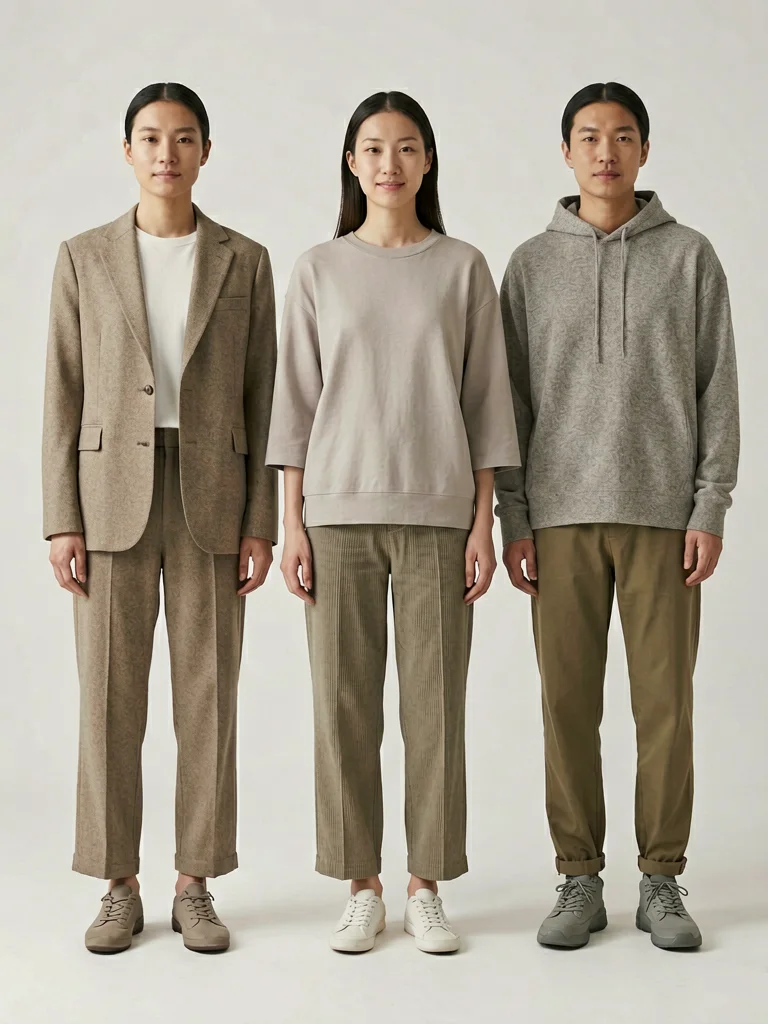
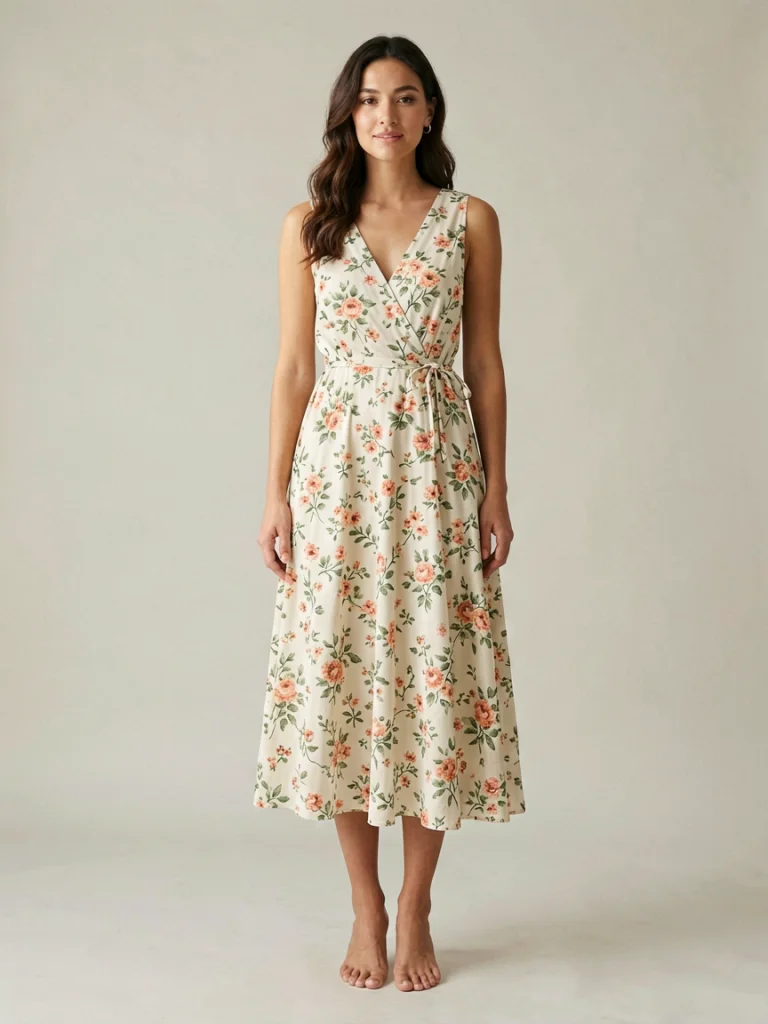 Dress PDP
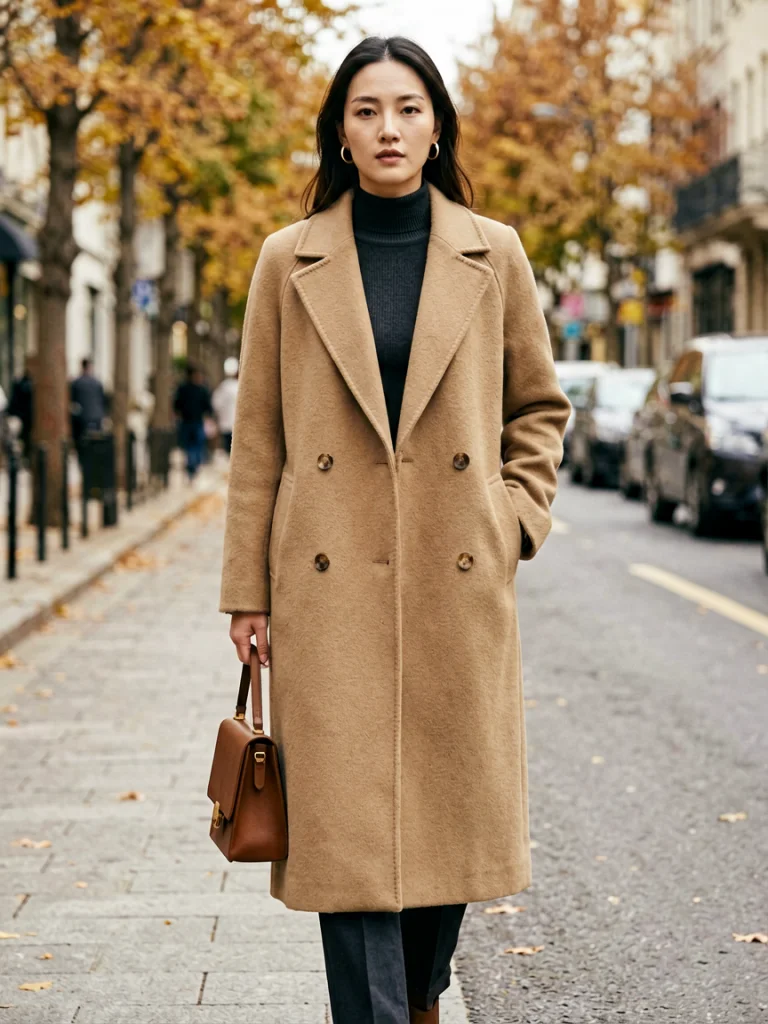 Outerwear
From basic product photos to a cleaner visual system
Marketplaces receive photos from hundreds of sellers, each with different lighting, backgrounds, crops, and quality. The goal is not just prettier images. It is a repeatable image workflow that makes every listing easier to trust, compare, and publish.
Standardize fashion catalog visuals without slowing seller onboarding
Each section below follows the reference pattern: a focused production problem, one large visual example, and the specific workflow controls a fashion team would actually use.
Accept simpler seller inputs
Let sellers upload the images they already have, then convert usable flat-lays and packshots into on-model product photos that fit your catalog rules.
- Reduce friction during merchant onboarding
- Give low-production sellers a better listing baseline
- Keep garment color, print, length, and fabric details visible
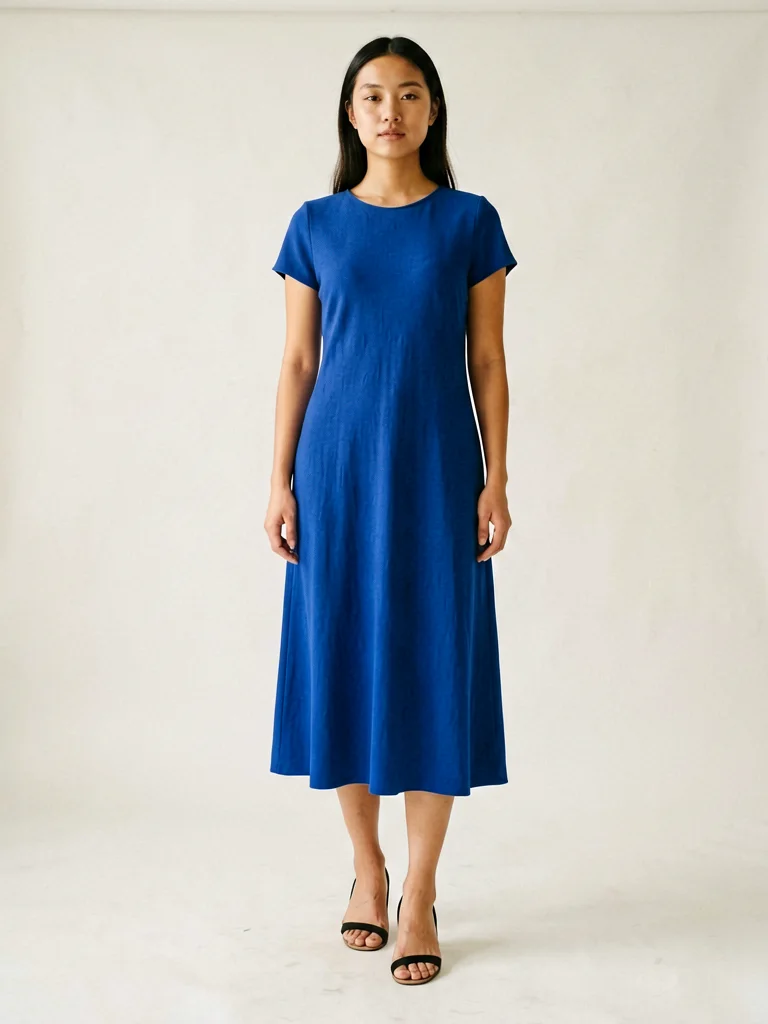
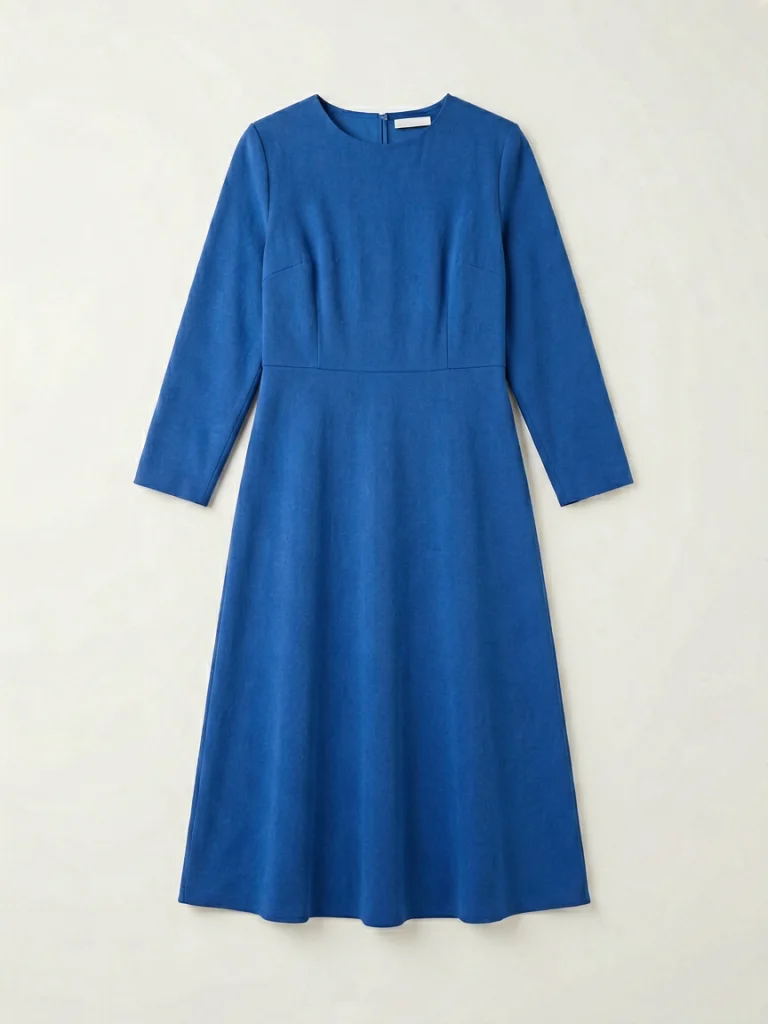 Source
Make the grid feel like one marketplace
Create predictable images across brands, vendors, and categories, while still letting products look distinct.
- Normalize crop, model framing, and background style
- Use on-model visuals for products that need fit context
- Build cleaner category pages and search results
SourcePublish richer PDPs from the same upload
Generate hero shots, alternate model views, and campaign-ready supporting images without asking sellers for a full shoot.
- Create PDP-ready full-body and three-quarter shots
- Match marketplace categories such as dresses, coats, tees, handbags, and activewear
- Route buyers from listing grids to clearer product pages
SourceEdit less and ship more visuals
Switch between common production moments. The image stays large, while the controls describe the business job behind each output.
Explore related workflows
Move from the industry page into a specific tool, product category, or channel-ready page.
Give every seller a better product image workflow
Start with one garment photo and create a marketplace-ready on-model image in seconds.
Generate freeFAQ
Can a marketplace use AI model photos for many seller uploads?+
Yes. The workflow is designed around repeatable inputs such as flat-lays, packshots, and ghost-mannequin photos, then outputs consistent on-model visuals.
Will seller product details be preserved?+
The goal is to keep garment color, prints, logos, length, and fabric texture faithful while placing the item on a realistic model.
Which marketplace categories fit best?+
Fashion categories such as t-shirts, dresses, coats, activewear, swimwear, handbags, jeans, and hoodies are the strongest fit.