AI product photos for ecommerce fashion stores
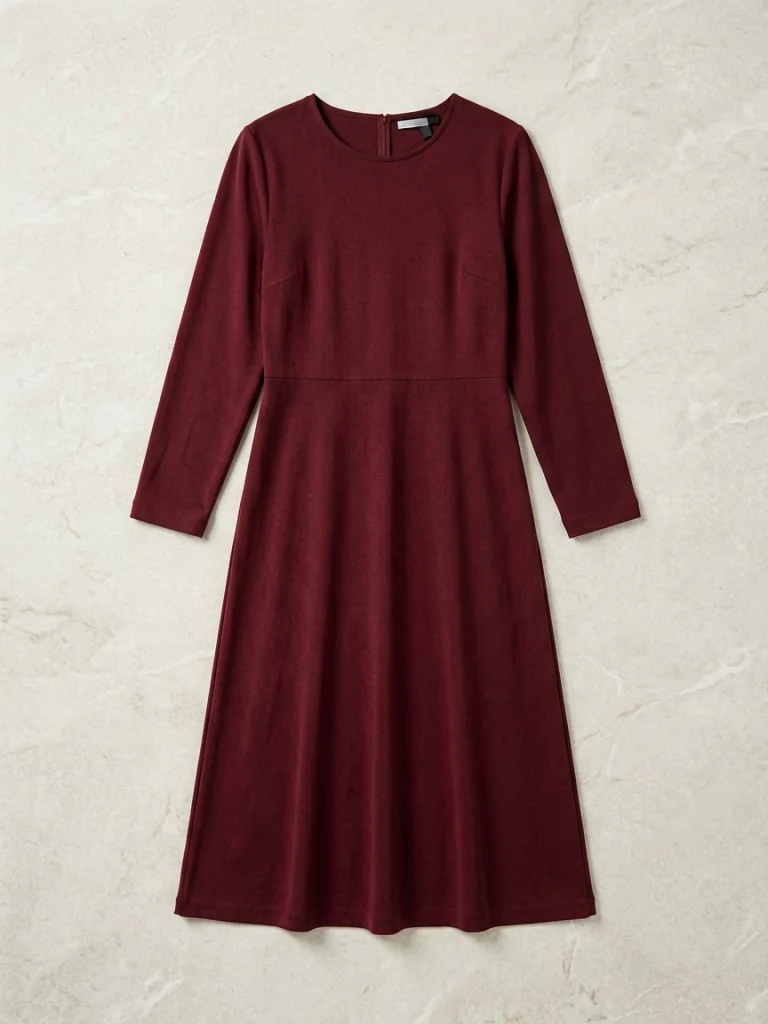
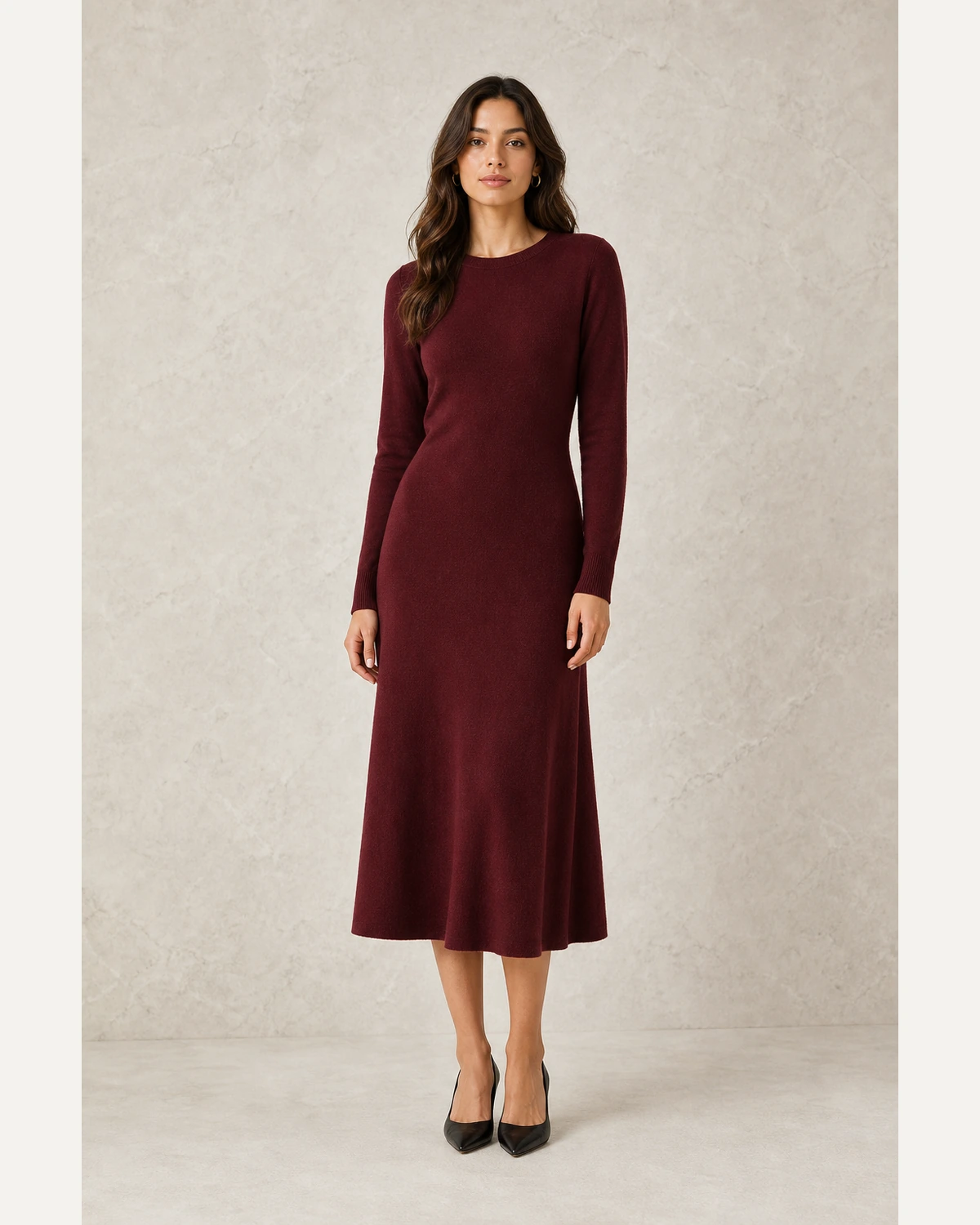
Build product pages that show fit, drape, and styling without booking a studio. Use one garment photo to create on-model PDP images, collection visuals, and campaign content.
 Campaign shot
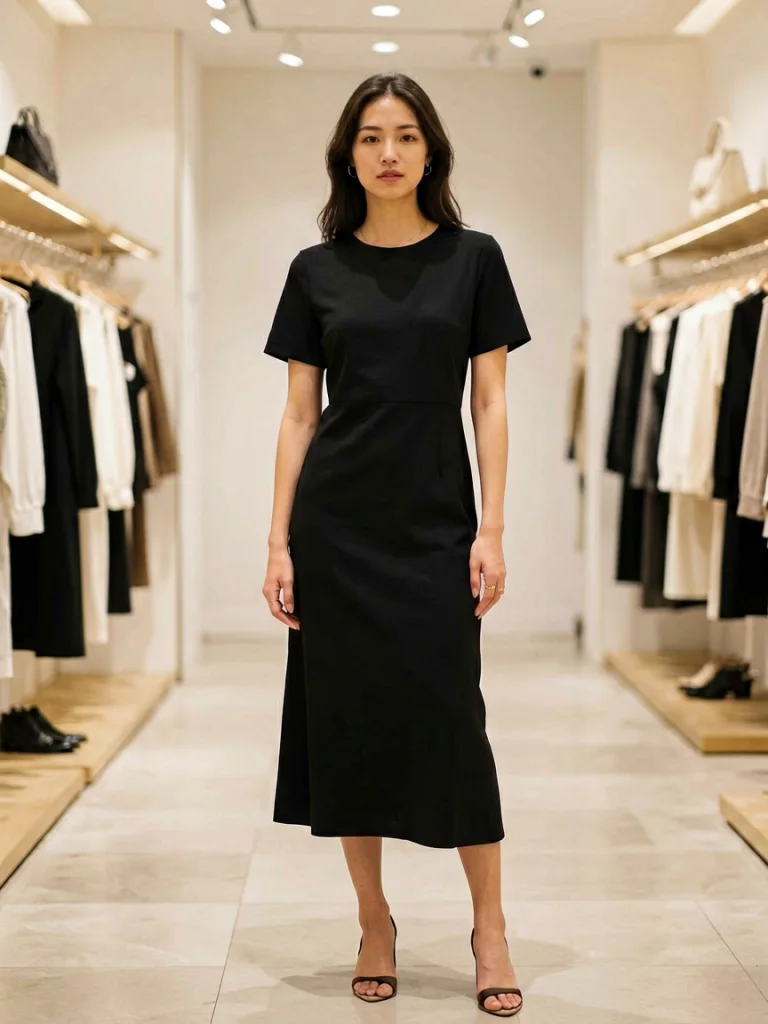 Scene variation
From basic product photos to a cleaner visual system
A fashion store needs more than a clean packshot. Shoppers want to see how the item fits, how it can be styled, and whether the product feels real enough to buy. AI Fashion Model turns existing product photos into richer content for the full store journey.
Turn ecommerce product photos into selling visuals
Each section below follows the reference pattern: a focused production problem, one large visual example, and the specific workflow controls a fashion team would actually use.
Show fit and styling on the PDP
Create realistic on-model images that help shoppers understand silhouette, length, texture, and how the item looks when worn.
- Add model context to every product page
- Use full-body, three-quarter, and upper-body crops
- Keep garments accurate while improving presentation
SourceKeep visuals consistent across collections
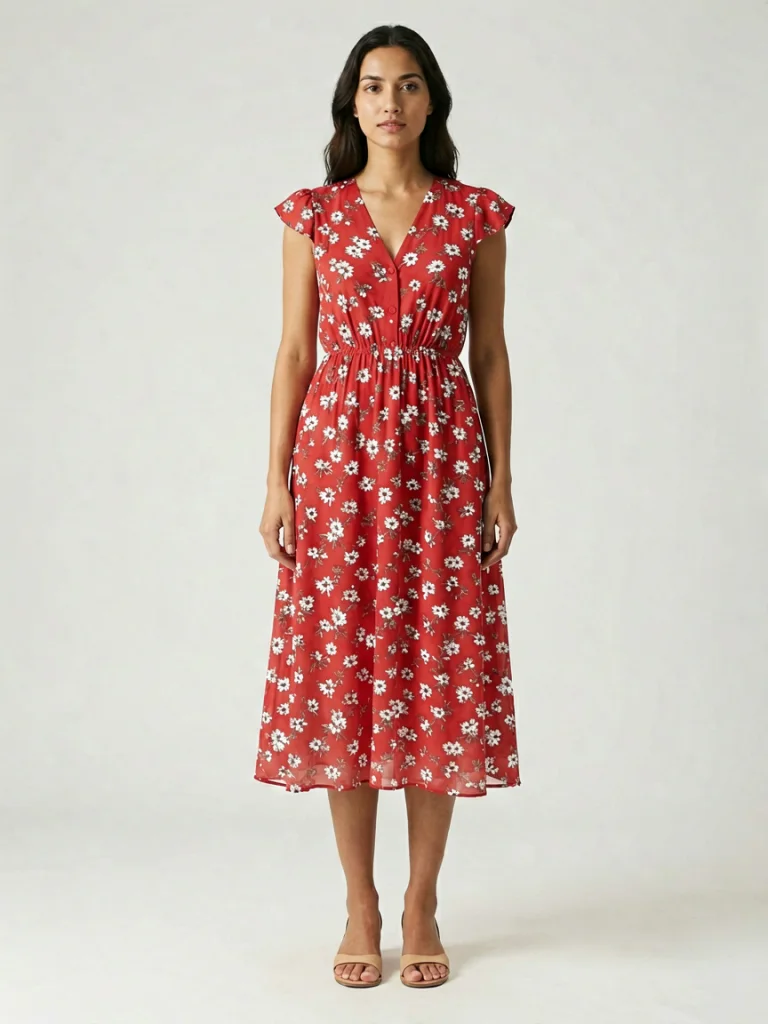
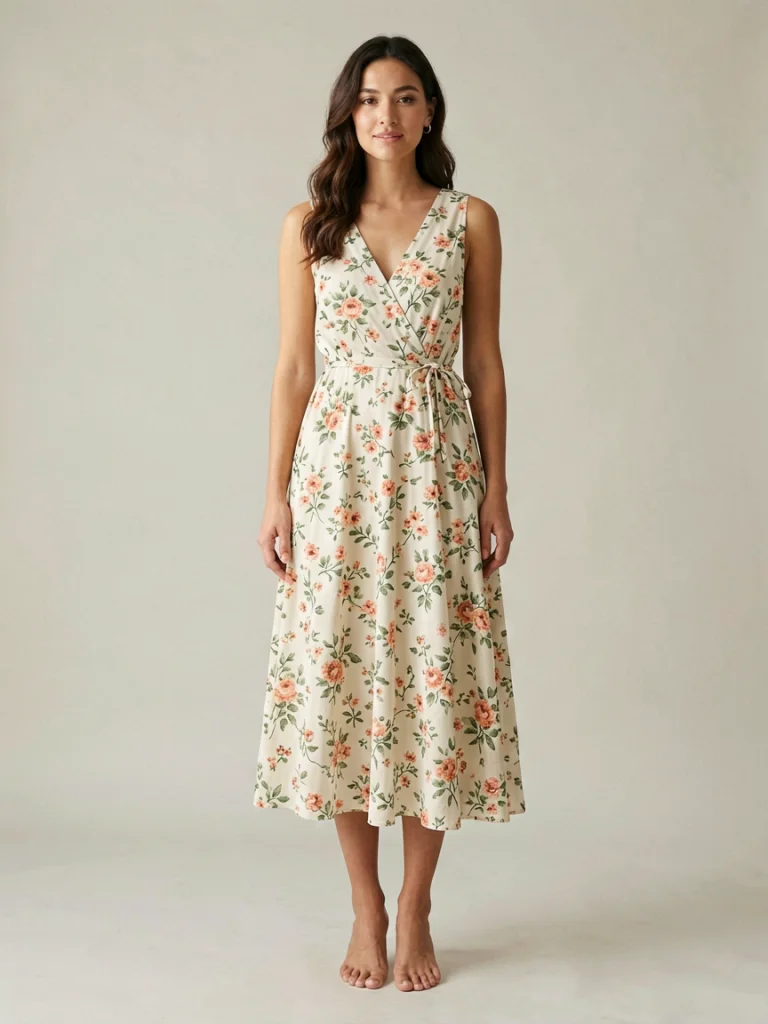
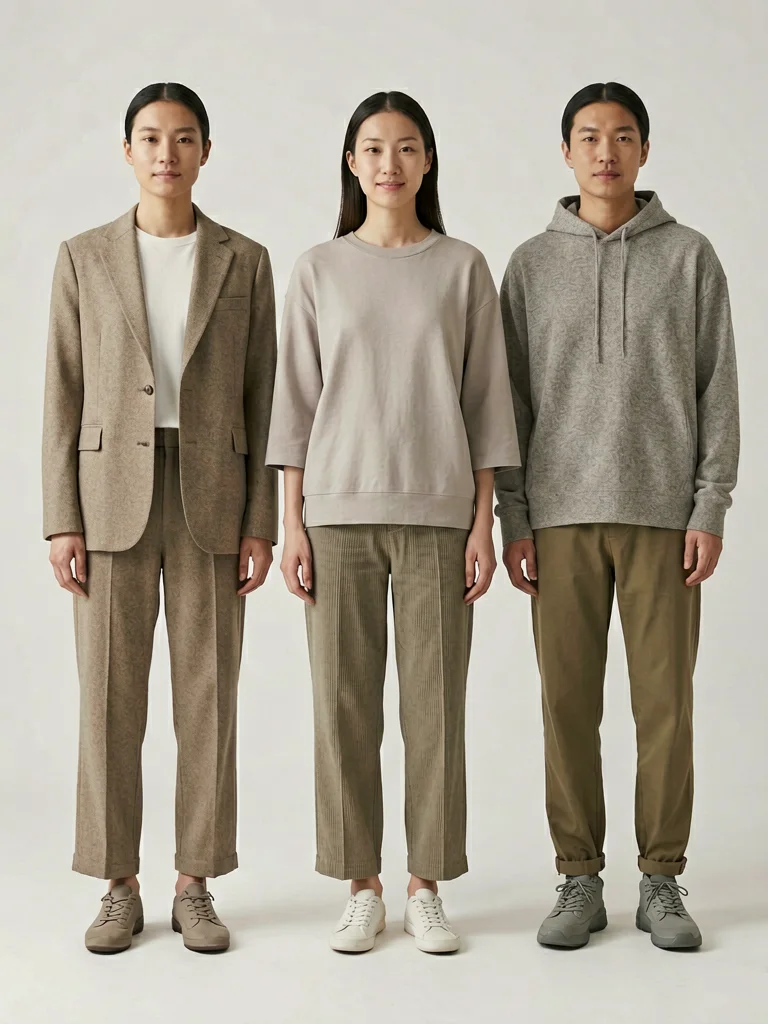
Use repeatable model choices, backgrounds, and crops so your collection grid looks intentional rather than stitched together from many shoots.
- Create a recognizable catalog style
- Reuse model direction across new products
- Refresh old SKUs without reshooting inventory
 Source
Make more creatives from one product image
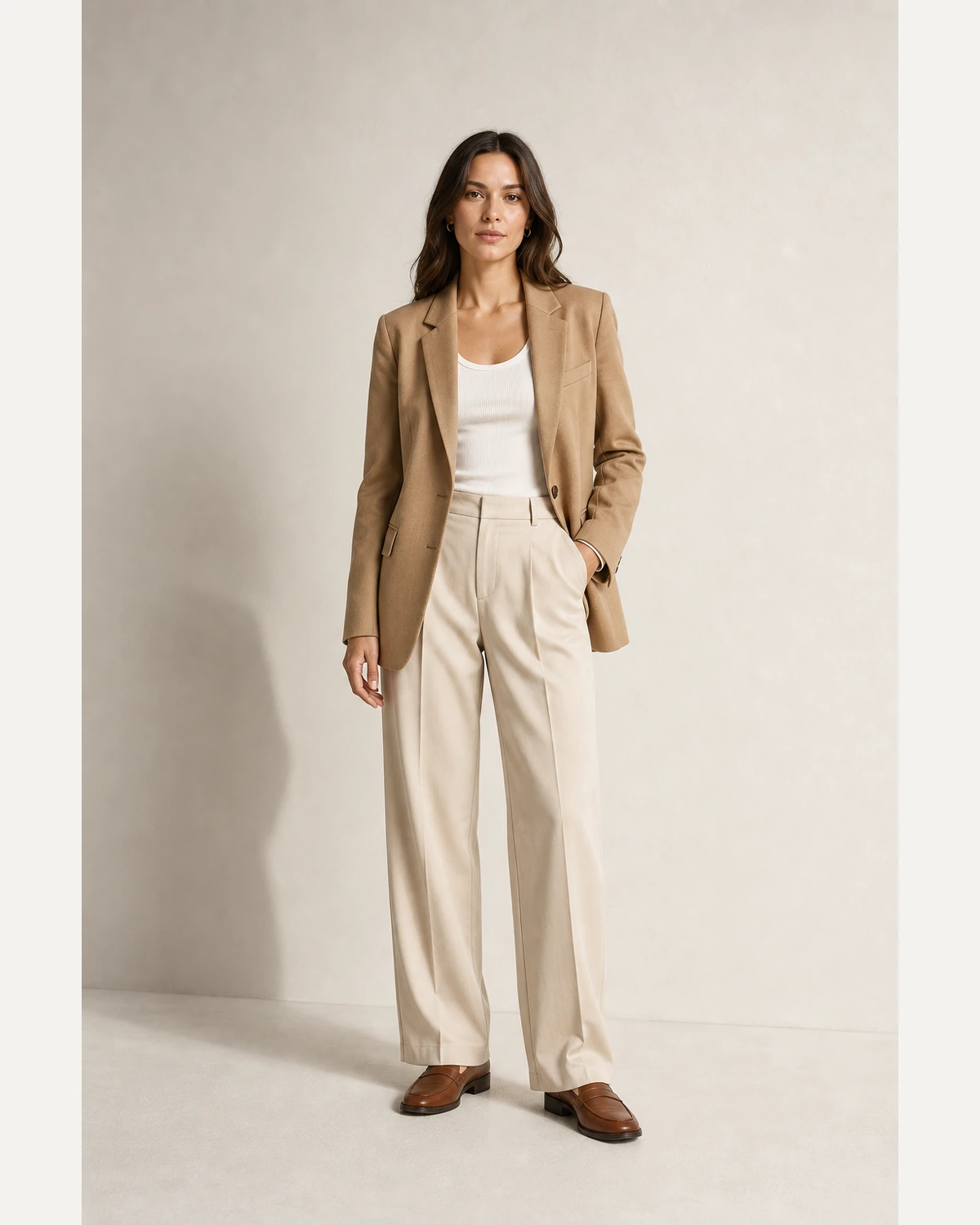
Use the same product input to create hero visuals, ad tests, and seasonal campaign images without waiting on production calendars.
- Create campaign-style visuals from existing product shots
- Test model, pose, and background directions quickly
- Support Shopify, email, paid social, and collection pages
SourceEdit less and ship more visuals
Switch between common production moments. The image stays large, while the controls describe the business job behind each output.
Explore related workflows
Move from the industry page into a specific tool, product category, or channel-ready page.
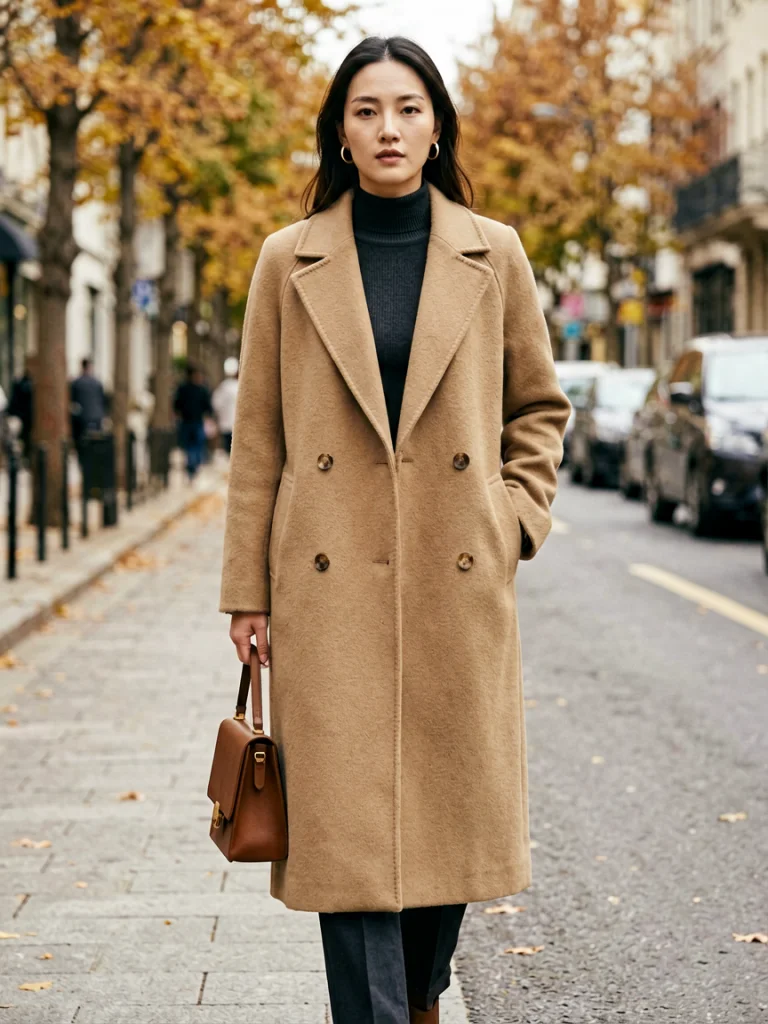
Create your next ecommerce product image
Upload a garment photo and generate an on-model result that fits your store style.
Generate freeFAQ
Can I use these images on Shopify or my DTC store?+
Yes. These pages are built for ecommerce product pages, collection grids, landing pages, and ad creative workflows.
Can I keep a consistent brand model style?+
Yes. You can choose model direction, pose, framing, and background style so new visuals feel consistent across a collection.
Do I still need flat-lay product photos?+
A clean flat-lay or packshot is still the best starting input. AI Fashion Model turns that input into richer on-model imagery.