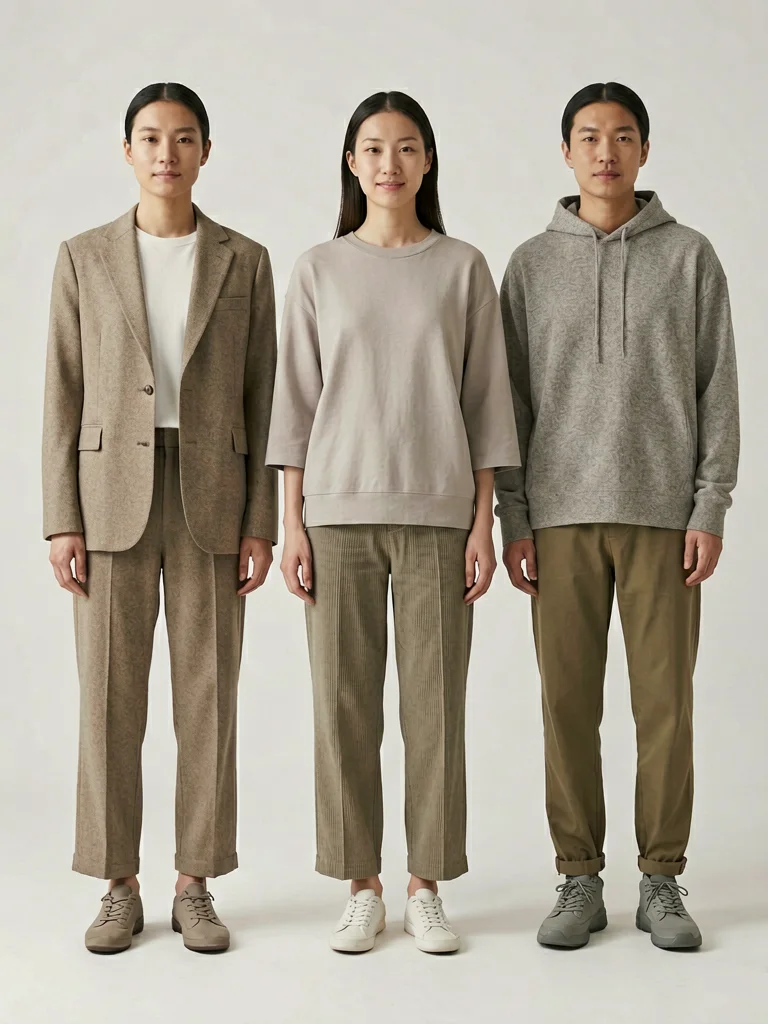
Short answer: choose a broad image processing platform when you need cleanup, enhancement, generation, and automation in one workflow. Choose a focused tool when one step matters most, such as background removal, mobile listing edits, or on-model fashion photography.
What AI image processing means for ecommerce
AI image processing is the set of steps that turns raw product photos into usable business assets. For fashion ecommerce, that can mean removing distracting backgrounds, improving sharpness, creating model shots, standardizing crops, exporting marketplace-ready sizes, or routing images through an API.
The important distinction is workflow depth. A simple tool may make one photo look better. A processing platform should help many product images move from upload to final listing with fewer manual decisions.
Quick comparison: where each platform fits
Use this table as a first filter. Pricing, limits, and output rights change often, so verify vendor pages before buying. The workflow fit is usually more important than the longest feature list.
| Platform type | Best for | Strength | Watch out for |
|---|---|---|---|
| AI Fashion Model | Flat-lay to on-model fashion images | Fast product-to-model workflow with a free first generation | Focused on apparel and fashion visuals, not general asset management |
| Claid-style image workflow platforms | Broader ecommerce image pipelines | Cleanup, enhancement, generation, API, and operational workflows | May be heavier than a small seller needs |
| Photoroom-style editors | Fast product cleanup and listing images | Accessible editing, background removal, templates | Less ideal when on-model fidelity is the main job |
| remove.bg-style tools | Single-purpose background removal | Clear job, fast output, easy to plug into a workflow | Does not solve model shots, consistency, or marketplace strategy |
| Product scene generators | Lifestyle backgrounds and ad variety | Useful for product-in-scene campaigns | Can drift from product accuracy if the item is complex |
| Image infrastructure tools | Delivery, resizing, compression, CDN variants | Great for serving images efficiently | Usually not the AI generation or product-fidelity layer |
Best options by ecommerce image workflow
1. AI Fashion Model, best for flat-lay to on-model apparel photos
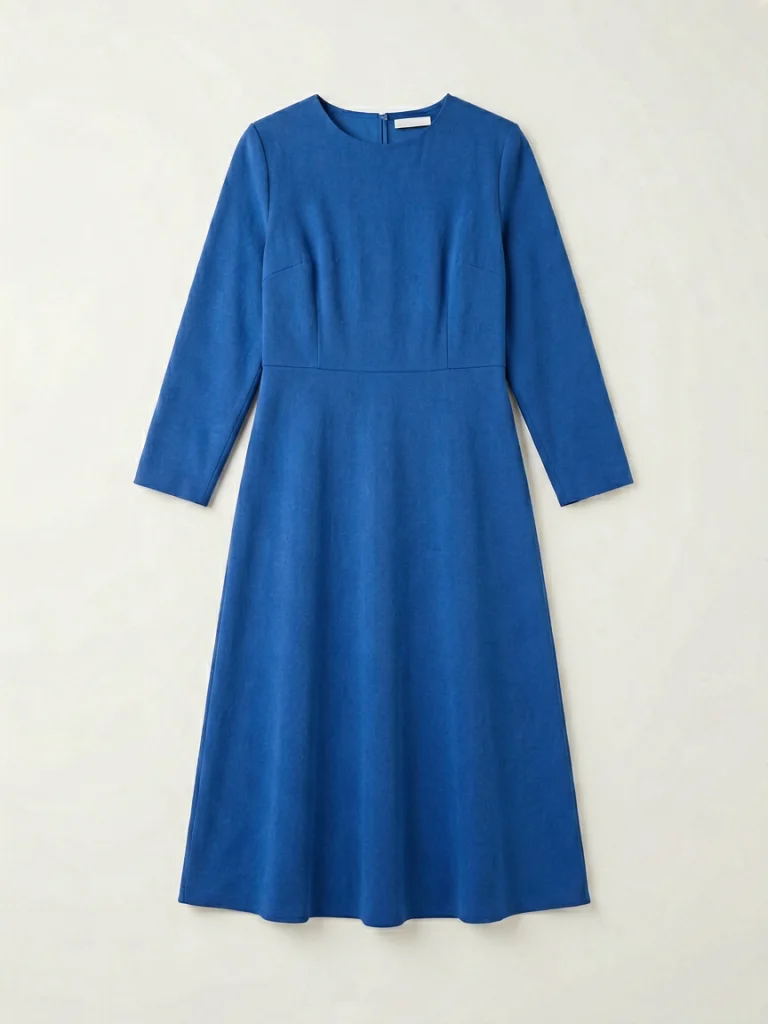
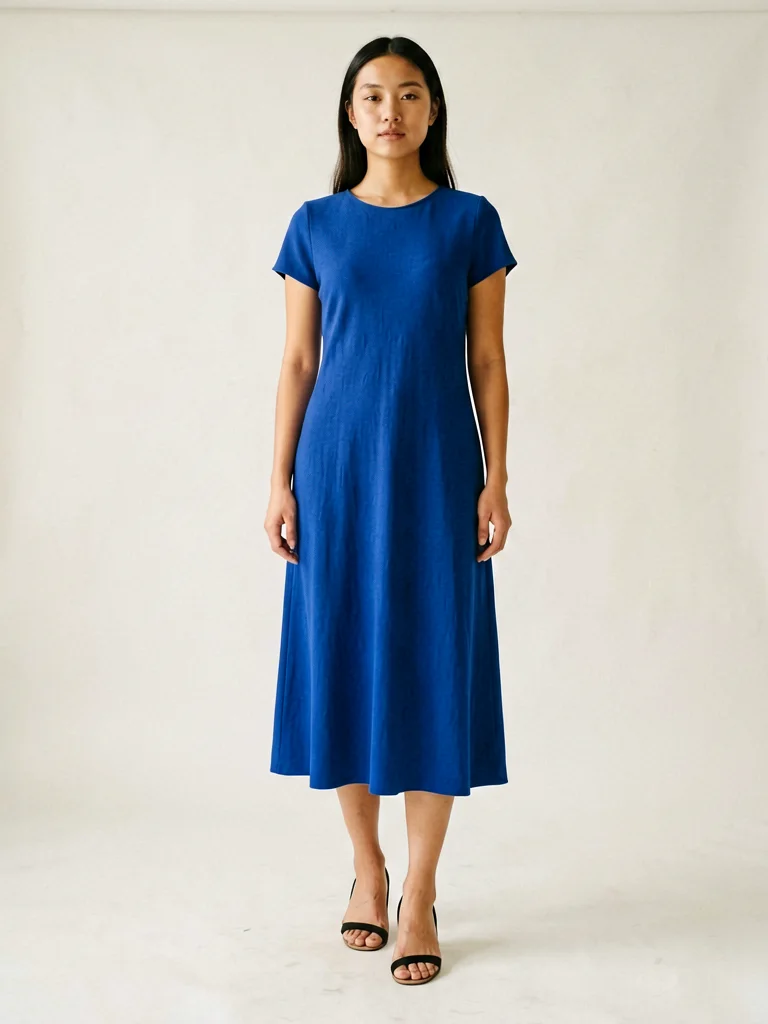
AI Fashion Model is strongest when the source image is a garment and the desired output is a realistic model wearing it. That makes it a direct fit for fashion sellers who already have flat-lays, hanger shots, packshots, or simple product photos but need stronger PDP and ad visuals.
The workflow is intentionally narrow: upload a garment, choose model and scene settings, then generate an on-model image. For teams that sell apparel, this focus is useful because the tool does not ask you to design a full image pipeline before you can test one product.
2. Broad AI image workflow platforms, best for multi-step catalog operations
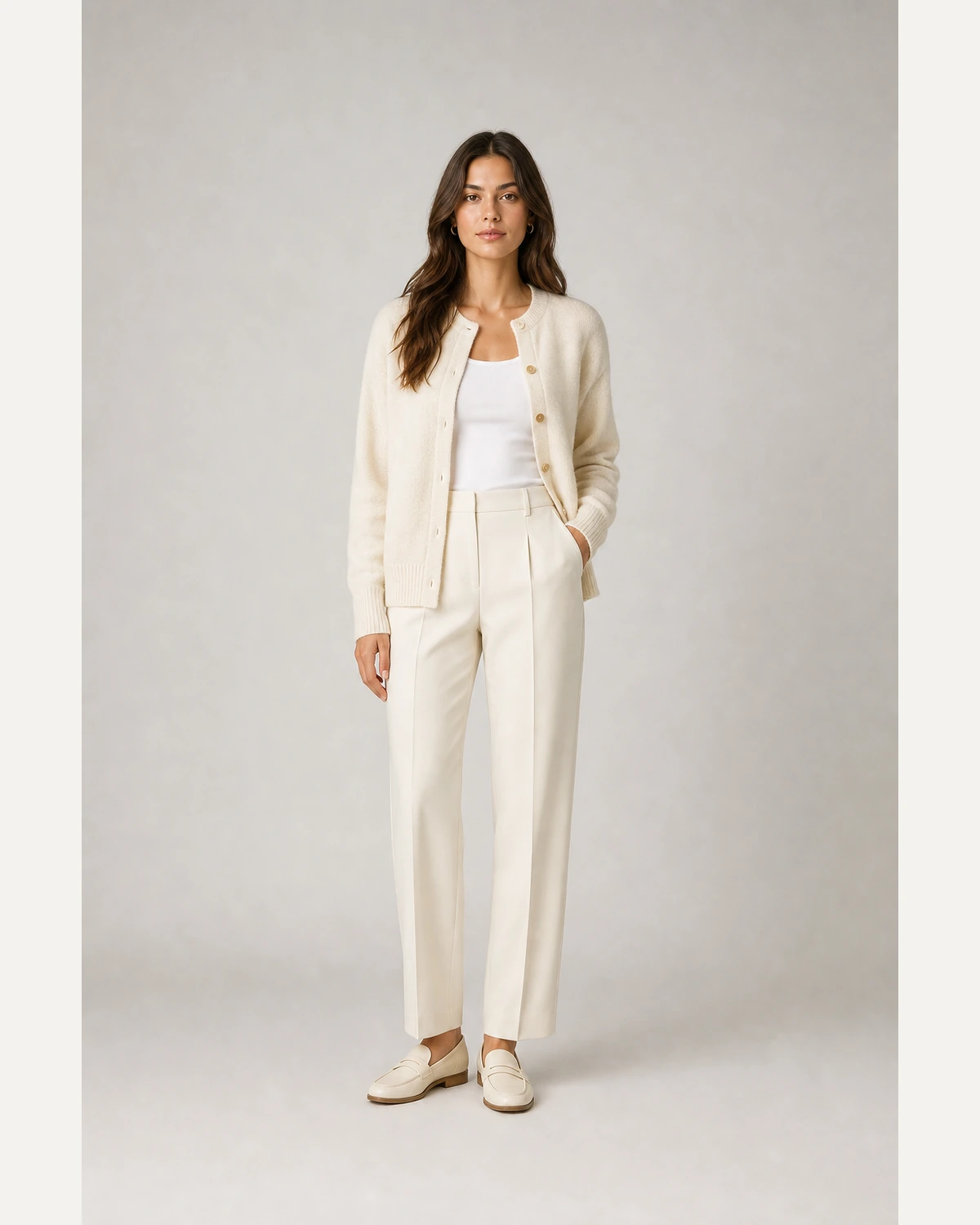
Broad image platforms are useful when a team needs several operations connected together. A marketplace might need to receive seller uploads, clean them, reject low-quality inputs, improve resolution, place products on approved backgrounds, and export final assets automatically.
For fashion brands, this kind of platform makes sense when on-model generation is only one part of a bigger image operation. If your team needs internal rules, API integration, volume handling, and consistent QA, a broader workflow layer can reduce tool sprawl.
3. Mobile-first product editors, best for small sellers
Mobile-first product editors are a good fit when the work is hands-on and the image count is manageable. They usually shine at quick background cleanup, template-based product images, simple social posts, and marketplace listing assets.
The tradeoff is control at scale. When a brand needs repeatable model settings, strict catalog consistency, or product-specific automation, a lightweight editor can become a manual bottleneck.
4. Background removal tools, best for one clear job
Dedicated background removal tools are still useful because the job is simple and frequent. If your main problem is cluttered supplier photos, a focused tool can clean the background before images move into design, listing, or generation steps.
For fashion, background removal alone rarely tells the whole product story. Shoppers still need to understand proportion, fit, drape, and styling. That is where on-model generation or lifestyle image tools become more valuable.
5. Product scene generators, best for campaign variety
Scene generators help turn clean product images into lifestyle visuals for ads, seasonal campaigns, social media, and landing pages. They can be excellent for accessories, packaging, decor, or simple apparel contexts where the product does not need complex body fit.
Use them carefully for clothing. A jacket, dress, or t-shirt is not just an object in a scene; it changes shape on a body. For apparel, product fidelity and fit visualization matter more than background creativity.
A practical workflow for fashion teams
Start with the image pipeline, then choose software. A lean fashion workflow usually has four repeatable stages: input cleanup, product-to-model generation, review, and marketplace export.
Clean input
Use a clear flat-lay, hanger, ghost mannequin, or packshot with one product.
Generate model
Create on-model outputs with a controlled pose, background, and crop.
Review fidelity
Check print, color, sleeve length, neckline, and product proportions.
Export by channel
Use crops and backgrounds that fit Amazon, Shopify, Etsy, Temu, or TikTok Shop.
How to choose the right platform
If you only need clean backgrounds, use a background tool. If you need fast manual listing assets, use a lightweight editor. If you need product scenes for ads, use a scene generator. If you need on-model apparel photos, use a fashion-specific model generator first.
For larger teams, the best setup may combine tools. One layer creates or edits images, another handles delivery and resizing, and a review process checks brand consistency. The mistake is buying a broad platform before you know which operation matters most.
- For apparel PDPs: prioritize garment preservation, model realism, and repeatable studio style.
- For marketplaces: prioritize bulk processing, clean backgrounds, consistent crops, and rules per channel.
- For ads: prioritize visual variety, lifestyle context, and fast iteration.
- For APIs: prioritize predictable inputs, documented outputs, retry handling, and QA status.
FAQ
What should fashion sellers look for in an AI image processing platform?+
Fashion sellers should look for garment fidelity, repeatable style controls, background options, marketplace export fit, batch handling, and a simple review workflow. If the main goal is on-model imagery, choose a tool that preserves product details rather than only changing backgrounds.
Is background removal enough for ecommerce fashion photos?+
Background removal is useful, but it usually solves only one step. Fashion sellers often need fit visualization, model variety, consistent crops, better lighting, platform-specific framing, and additional lifestyle or on-model images for product pages and ads.
When should a team choose an API instead of a web app?+
Choose an API when image work is repeatable, high volume, or connected to catalog systems. A web app is better when one person edits a small number of images manually and visual review matters more than automation.
Test your own product image
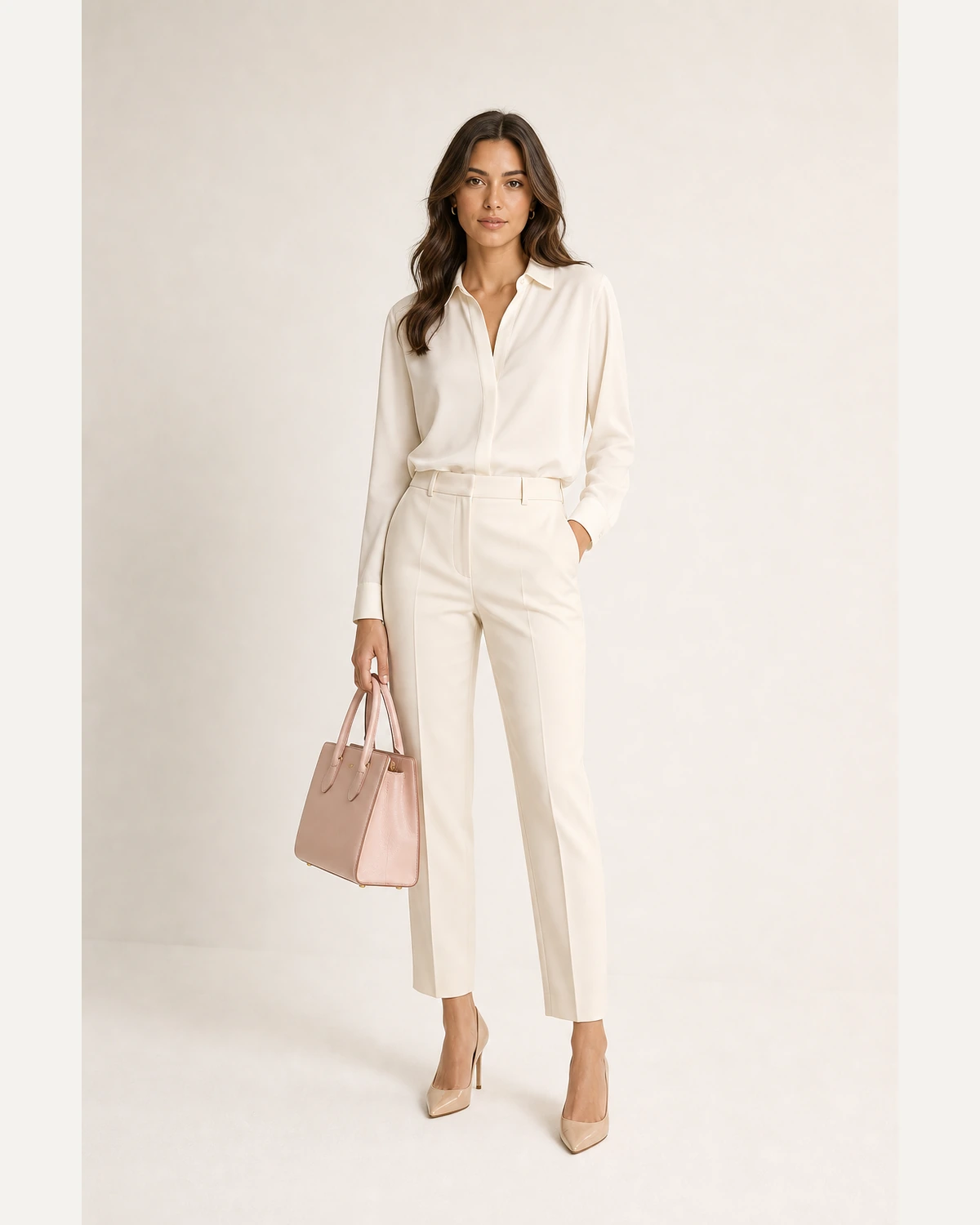
Upload a flat-lay or packshot and create your first on-model ecommerce photo free.
Generate free