Fashion image automation for catalog teams
Move from one-off edits to a repeatable production workflow. Convert flat-lays into on-model shots, reuse model directions, swap models, and prepare visuals for PDPs, marketplaces, and campaigns.
 Edit pass
 Catalog system
From basic product photos to a cleaner visual system
Fashion teams need more than a single generated image. They need a system that can take messy product inputs, choose the right image treatment, create on-model results, and keep the output consistent enough for real catalog operations.
Build a repeatable fashion content pipeline
Each section below follows the reference pattern: a focused production problem, one large visual example, and the specific workflow controls a fashion team would actually use.
Launch on-model photos from product inputs
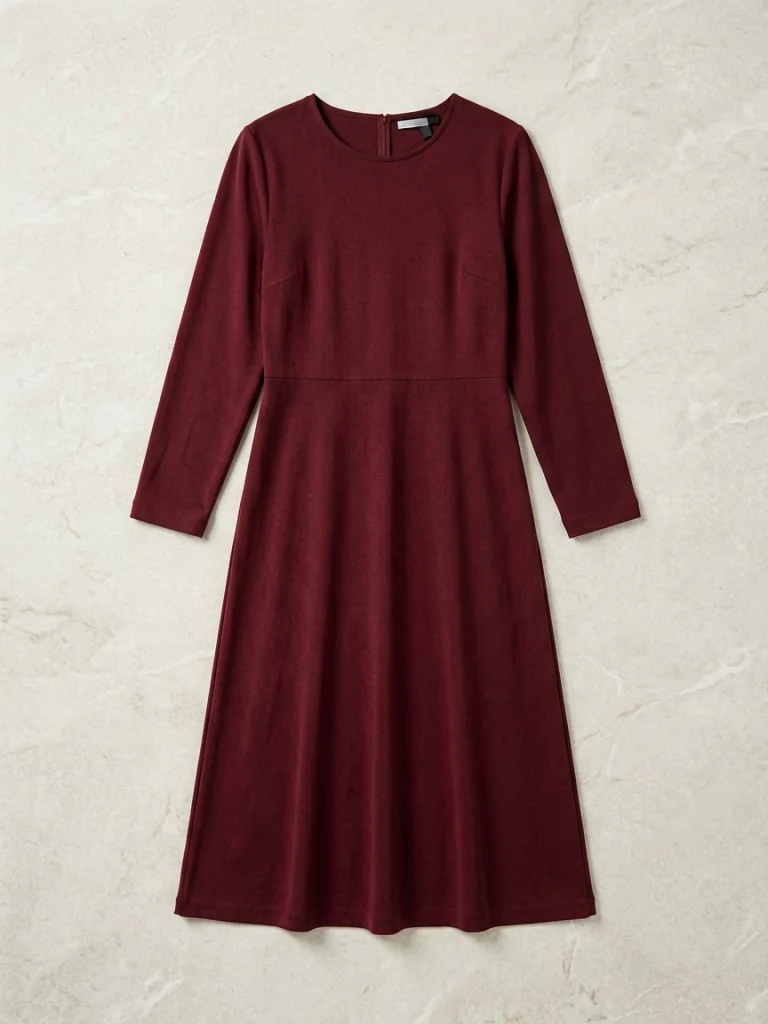
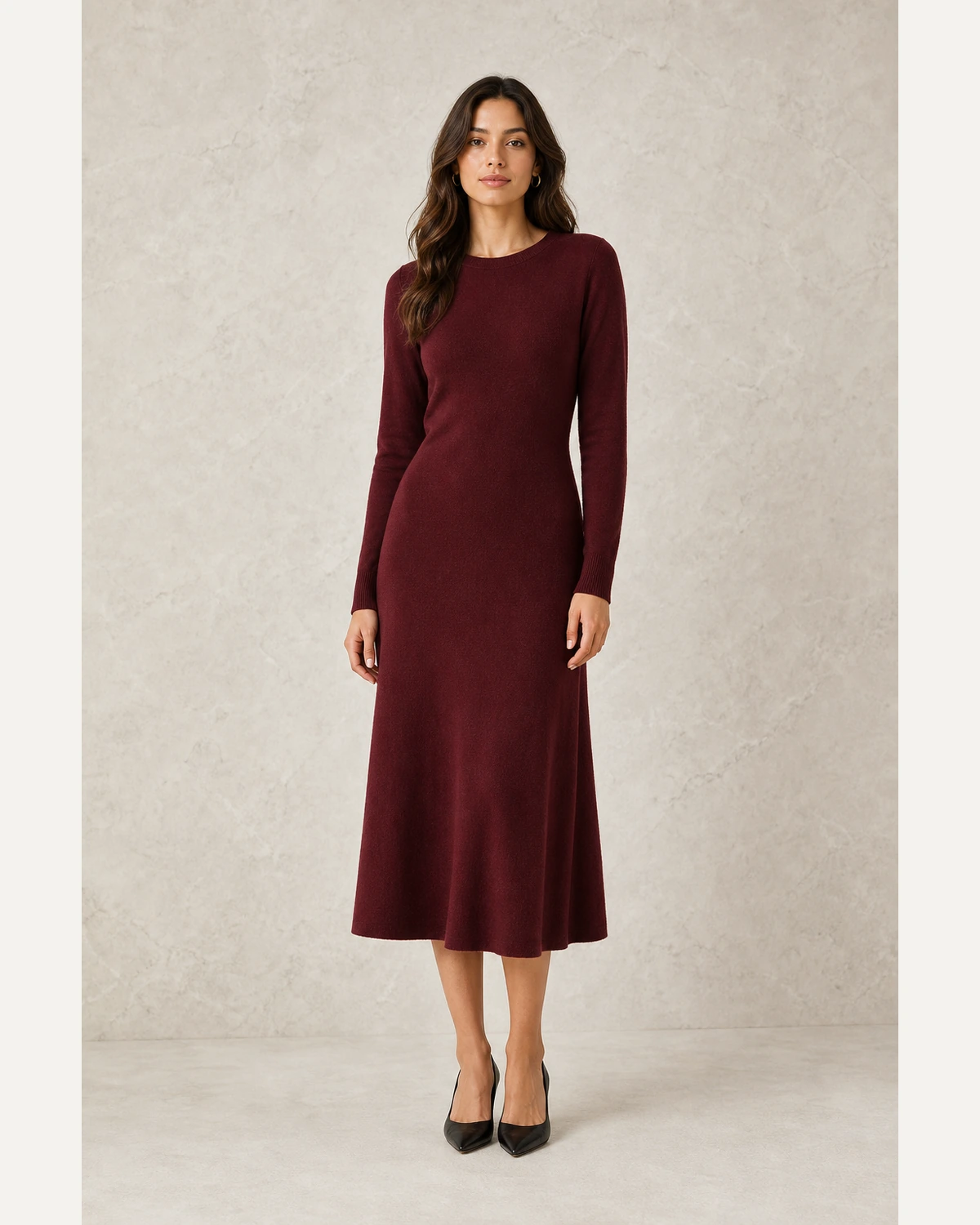
Turn flat-lays, hanger shots, and ghost-mannequin images into realistic model photos without waiting for a studio shoot.
- Use product photos as the source of truth
- Control model, pose, background, and framing
- Create PDP, marketplace, and catalog assets from one workflow
SourceReuse the same product across more audiences
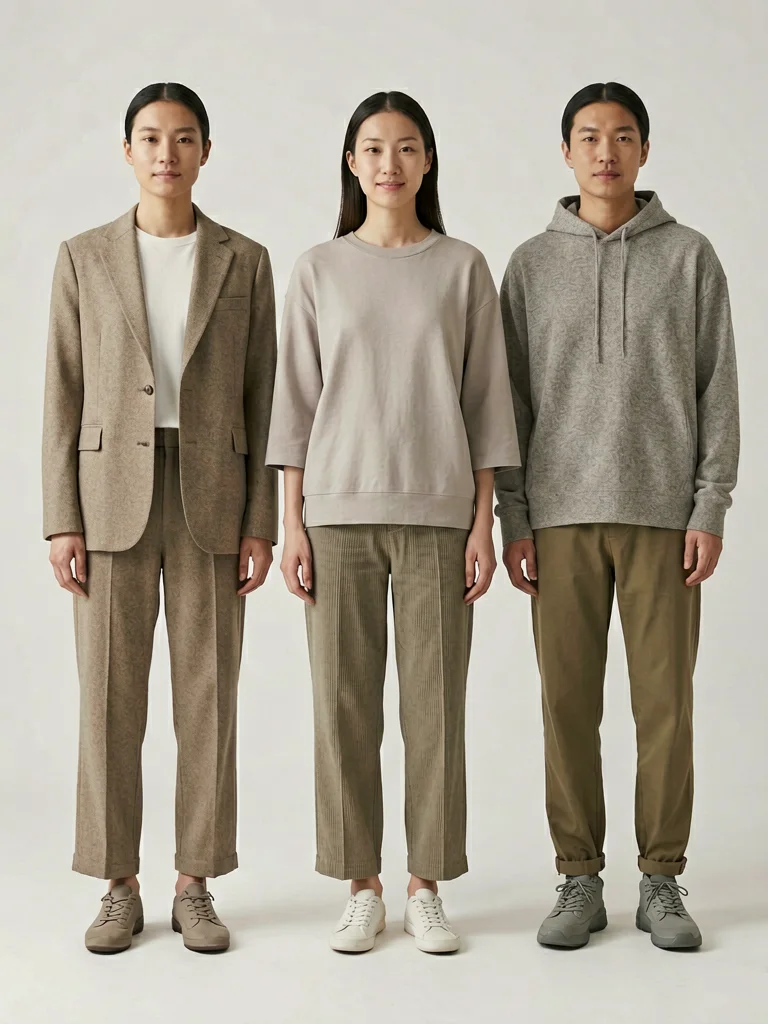
Adapt imagery for markets, campaigns, and customer segments by changing the model while preserving the garment.
- Change model identity while keeping the product intact
- Localize catalog visuals for different audiences
- Avoid reshooting every SKU for every campaign
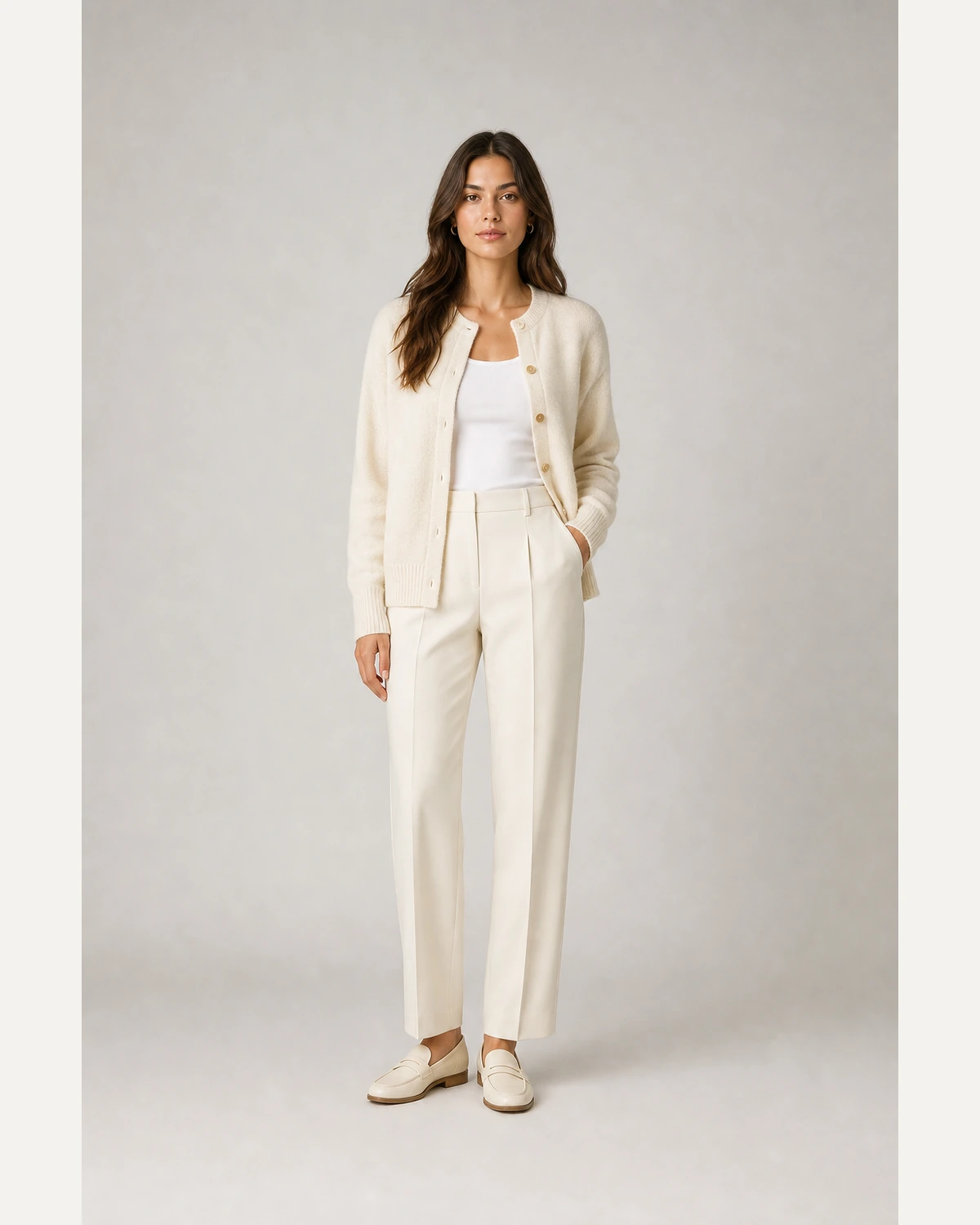 Source
Create rules that keep output consistent
Combine image generation with catalog rules so every output has the right crop, model style, background, and channel fit.
- Standardize image style across categories
- Create repeatable outputs for new drops
- Support ecommerce, marketplaces, and ads from the same asset base
SourceEdit less and ship more visuals
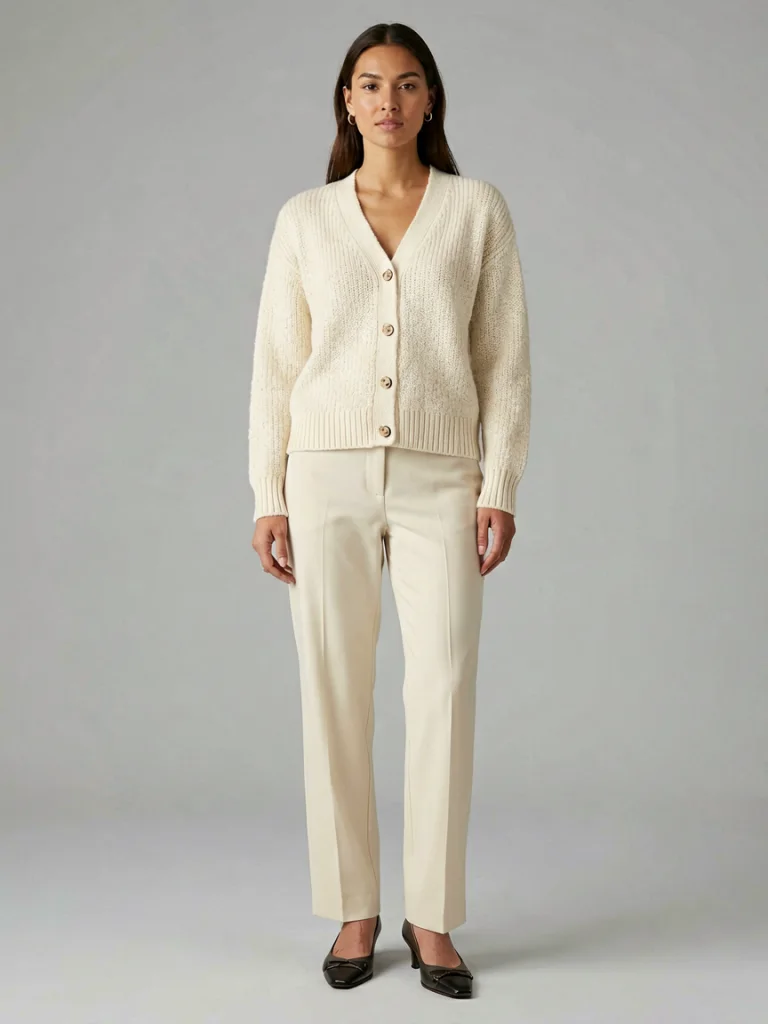
Switch between common production moments. The image stays large, while the controls describe the business job behind each output.
Explore related workflows
Move from the industry page into a specific tool, product category, or channel-ready page.
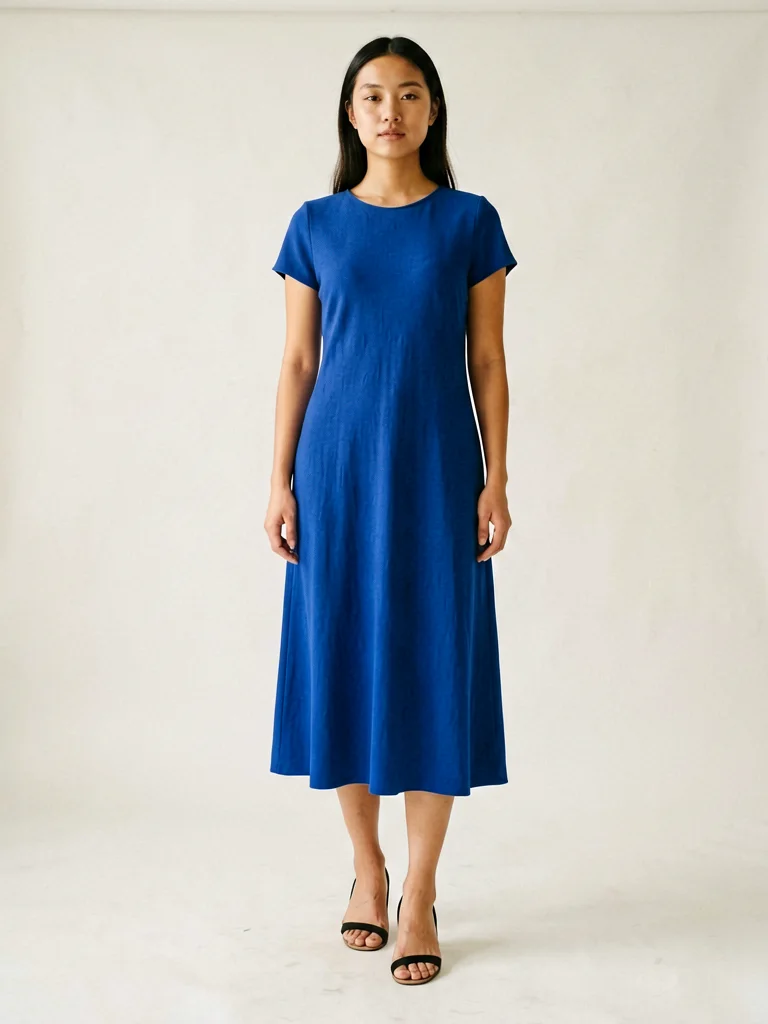
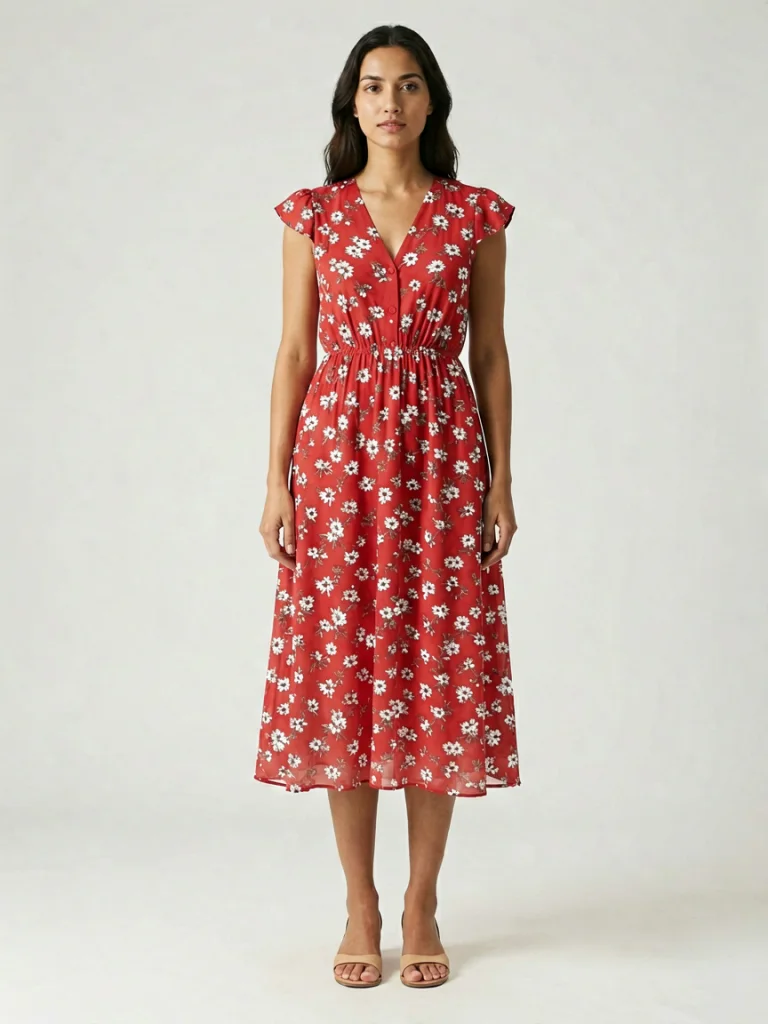
Start with one automated fashion image workflow
Upload a garment photo and create your first on-model output before you scale the process.
Generate freeFAQ
What parts of fashion image production can be automated?+
Flat-lay to on-model generation, virtual try-on, model swap, background choices, crop direction, and channel-specific image preparation can all become repeatable workflows.
Can this support catalog teams, not just solo sellers?+
Yes. The pages and tools are designed around repeatable catalog needs: consistent models, product fidelity, category-level rules, and fast refresh cycles.
Does automation replace product photography?+
It can replace many repetitive product image tasks, but brands can still use original photography for hero campaigns and use AI generation to expand PDP and catalog coverage.