Home / Tools / Model swap
Tool · Photo editing
AI Model Swap
Replace the person in a product photo while the garment, pose, lighting and background stay perfectly preserved. Match your brand audience or refresh your catalogue - no reshoot.
Replace the person in a product photo while the garment, pose, lighting and background stay perfectly preserved. Match your brand audience or refresh your catalogue - no reshoot.
✓ Love your result? Unlock unlimited generations & full resolution.
Get unlimited →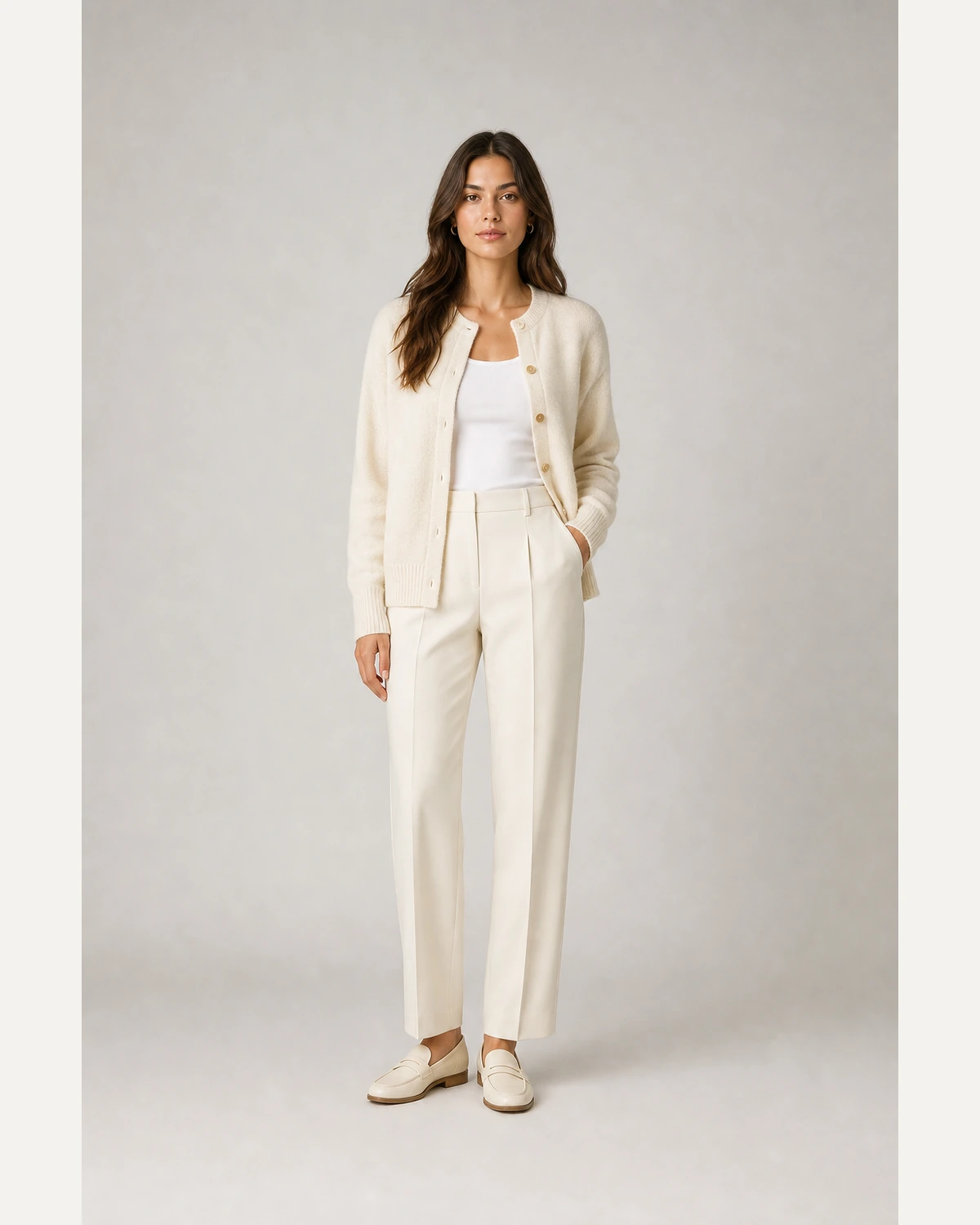
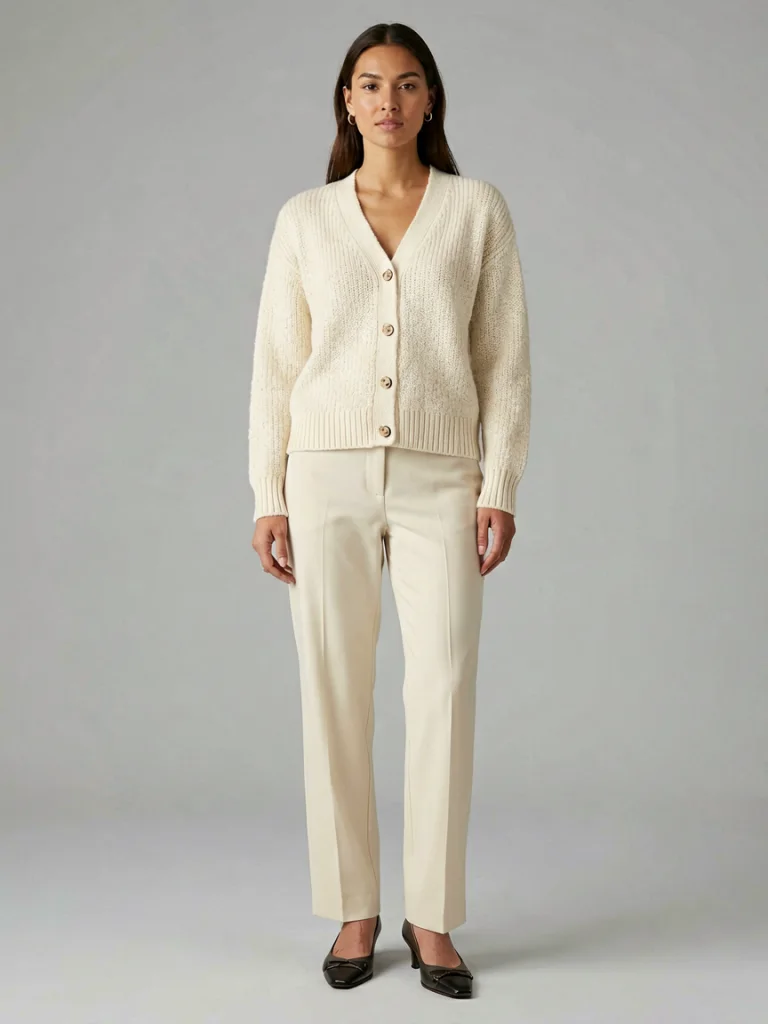
AI model swap replaces only the person in your photo. The garment, pose, lighting and background stay exactly as shot - so you can diversify the models in your catalogue, localise imagery for different markets, or avoid a reshoot when a model is not available.
An existing on-model or mannequin product image.
Set gender, skin tone and look to match your audience.
The person changes; the product stays pixel-faithful.
Upload a garment, get a photorealistic AI model wearing it - no signup for your first try.
Generate free →Yes - the garment, pose, lighting and background are preserved; only the person changes.
Yes - choose the model gender and skin tone / ethnicity to match your target audience.
Yes - you can turn a mannequin or ghost-mannequin shot into a real-looking model.
Your first generation is free, no signup - one free generation per visitor per day.