Home / AI Model Photos / Handbag for Shopify
Shopify-ready · On-model photos

AI Model Photos for Handbag

Selling handbags on Shopify? On-model photos convert far better than flat-lays. Upload your handbag photo and our AI fashion model generator creates a realistic on-model shot in seconds — no studio, no photographer. Your first generation is free.

Upload garment → generate model
1 free left
1 · Your garment photo
Click to upload flat-lay / packshot
JPG or PNG, single garment
2 · Model
Female Male Plus size
3 · Skin tone / ethnicity
European Black Hispanic Asian Middle Eastern Mixed
4 · Background
Studio white Studio grey Gradient Street Cafe Beach Outdoor
5 · Pose
Natural Walking Hand on hip Side angle
6 · Shot
Full body Three-quarter Upper body
7 · Aspect ratio
Portrait 3:4 Square 1:1 Landscape 4:3
Result
Your on-model image will appear here

✨ Love your result? Unlock unlimited generations & full resolution.

Get unlimited →

Why handbag sellers need on-model photos

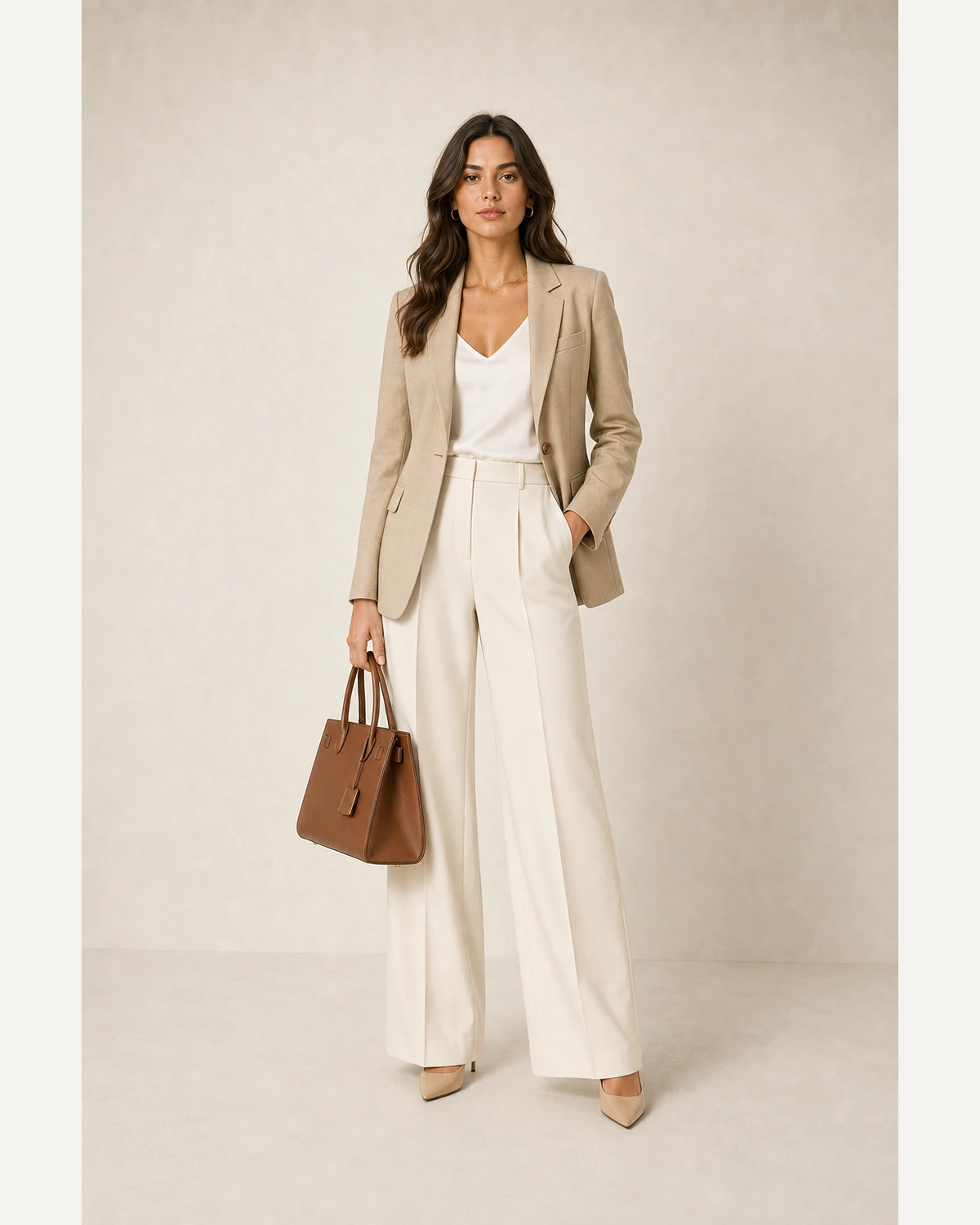
A handbag photographed alone gives no sense of scale — shoppers cannot tell a clutch from a tote. An on-model shot shows the bag held or worn, conveying real size, strap drop and how it styles, which removes the biggest hesitation in bag purchases.

How to turn your handbag flat-lay into a model shot

1

Upload your handbag

Any flat-lay, hanger, ghost-mannequin or packshot of your handbag.

2

Pick model, pose & background

Match the look to your brand and to Shopify.

3

Generate & download

A photorealistic on-model shot in seconds — your handbag stays faithful.

Handbag on-model examples

A realistic AI model wearing a handbag — generated in seconds, not photographed.

On model · ShopifyAI model wearing a handbag, ready for Shopify

Built for Shopify sellers

On your own Shopify store you control the art direction — here consistency and page speed matter more than any rigid marketplace rule.

Make your first on-model shot free

Upload a garment, get a photorealistic AI model wearing it — no signup for your first try.

Generate free →

FAQ

Will the bag's hardware and texture stay accurate?+

Yes. The leather grain, hardware, stitching and colour are preserved while the AI shows it carried by a realistic model.

Can I show the true size of the bag?+

Yes — shown on a model, the scale, strap length and proportions read accurately, which a flat shot cannot convey.

Which bag styles does it work for?+

Totes, crossbodies, shoulder bags and clutches are all shown styled on the model with the original design intact.

What image size works best on Shopify?+

Shopify recommends square images up to 2048×2048px. Use the Square 1:1 aspect for a tidy, consistent grid, keep every product on the same ratio, and compress exports so your store stays fast.

Keep exploring
×

Unlock unlimited generations

You’ve used your free generation. Get unlimited on-model images, full resolution and no watermark.

Get unlimited access →

Maybe later