Dress
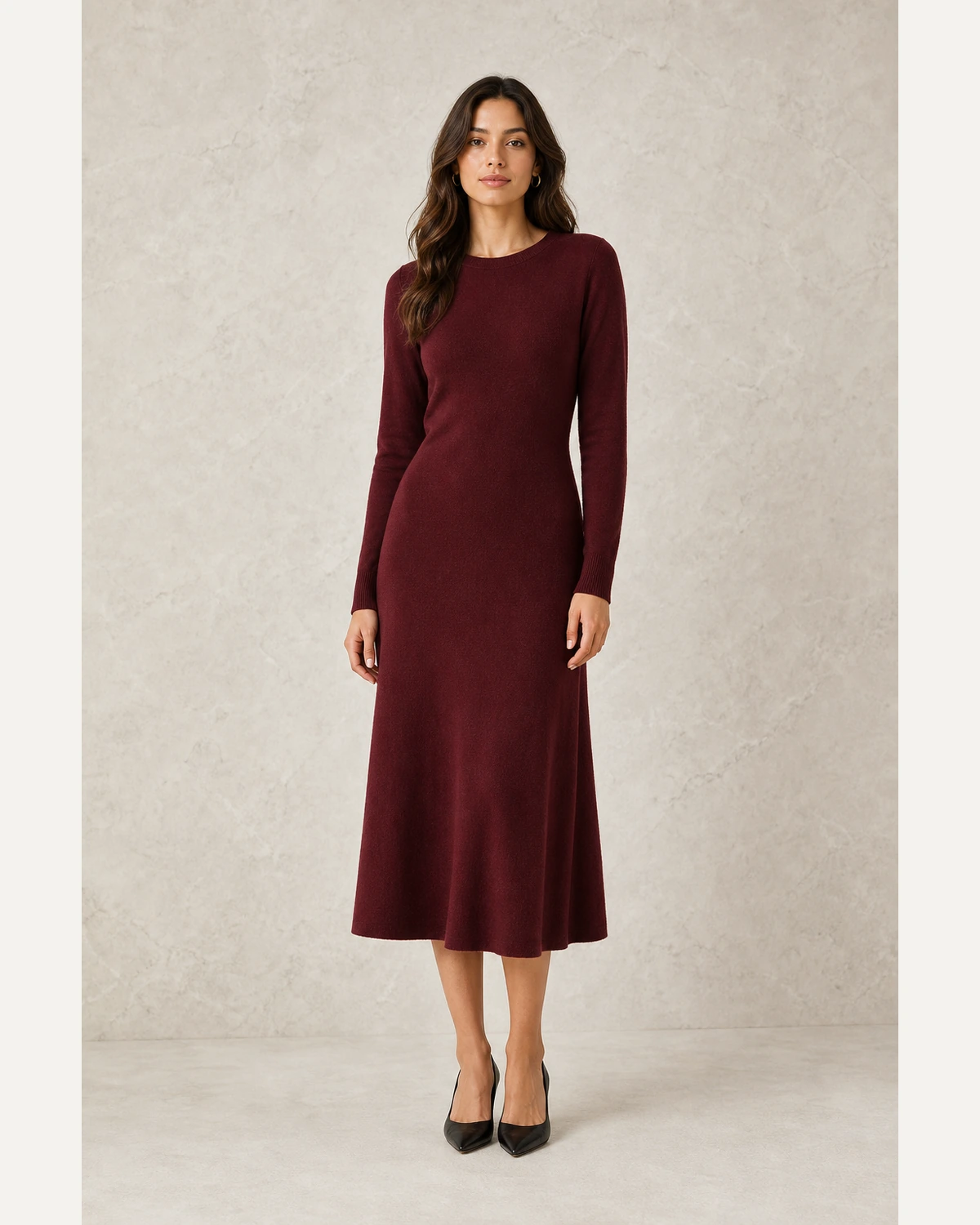
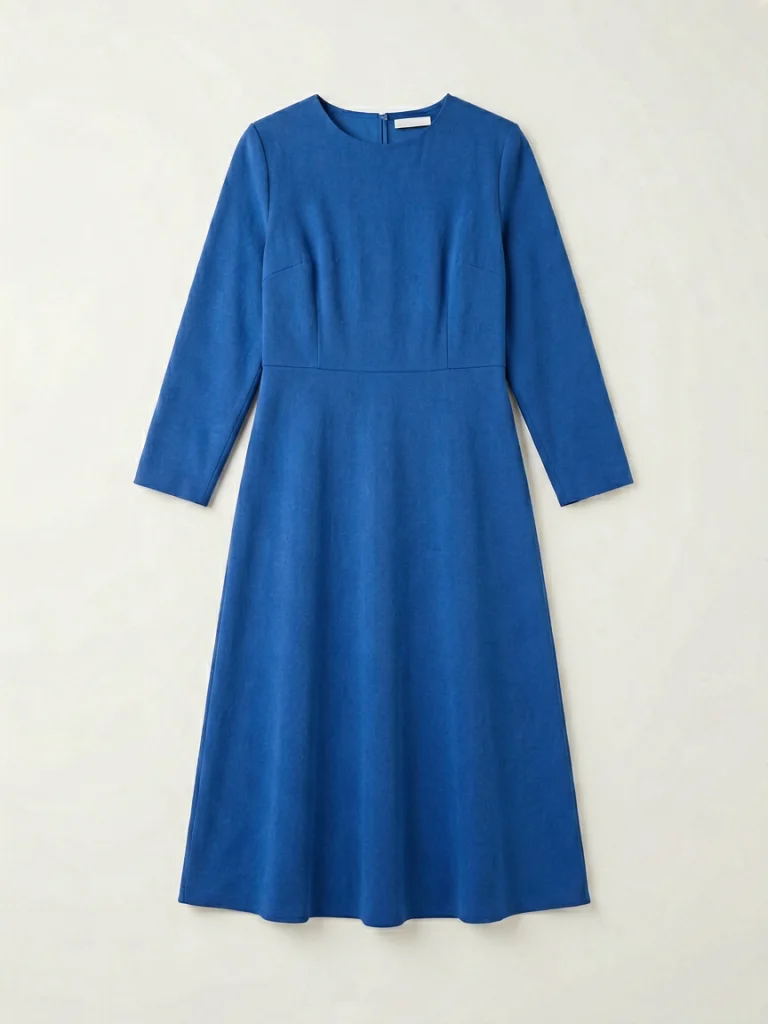
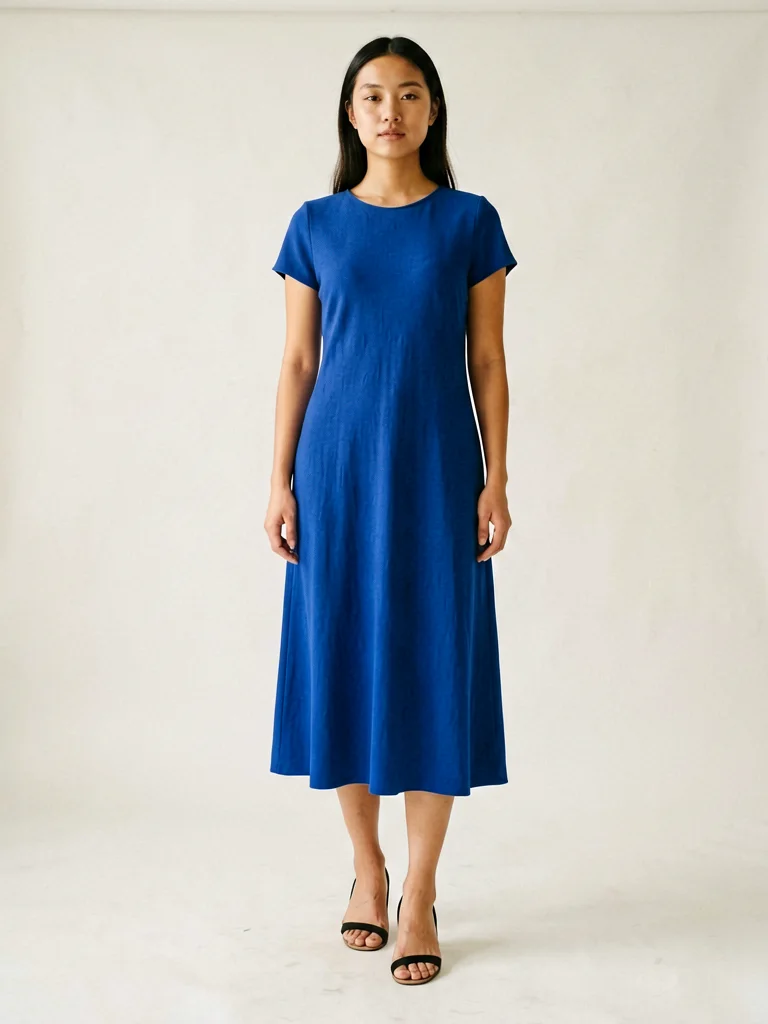
Turn a flat-lay dress into a product page image that shows drape and length.
Upload a flat-lay, hanger shot, or ghost mannequin photo and turn it into realistic on-model fashion images for product pages, marketplaces, ads, and lookbooks.
✓ Free for commercial use · ✓ 100% AI models - no real people, no model-release fees · ✓ Marketplace-ready product visuals
Upload clothingOn model Accessory
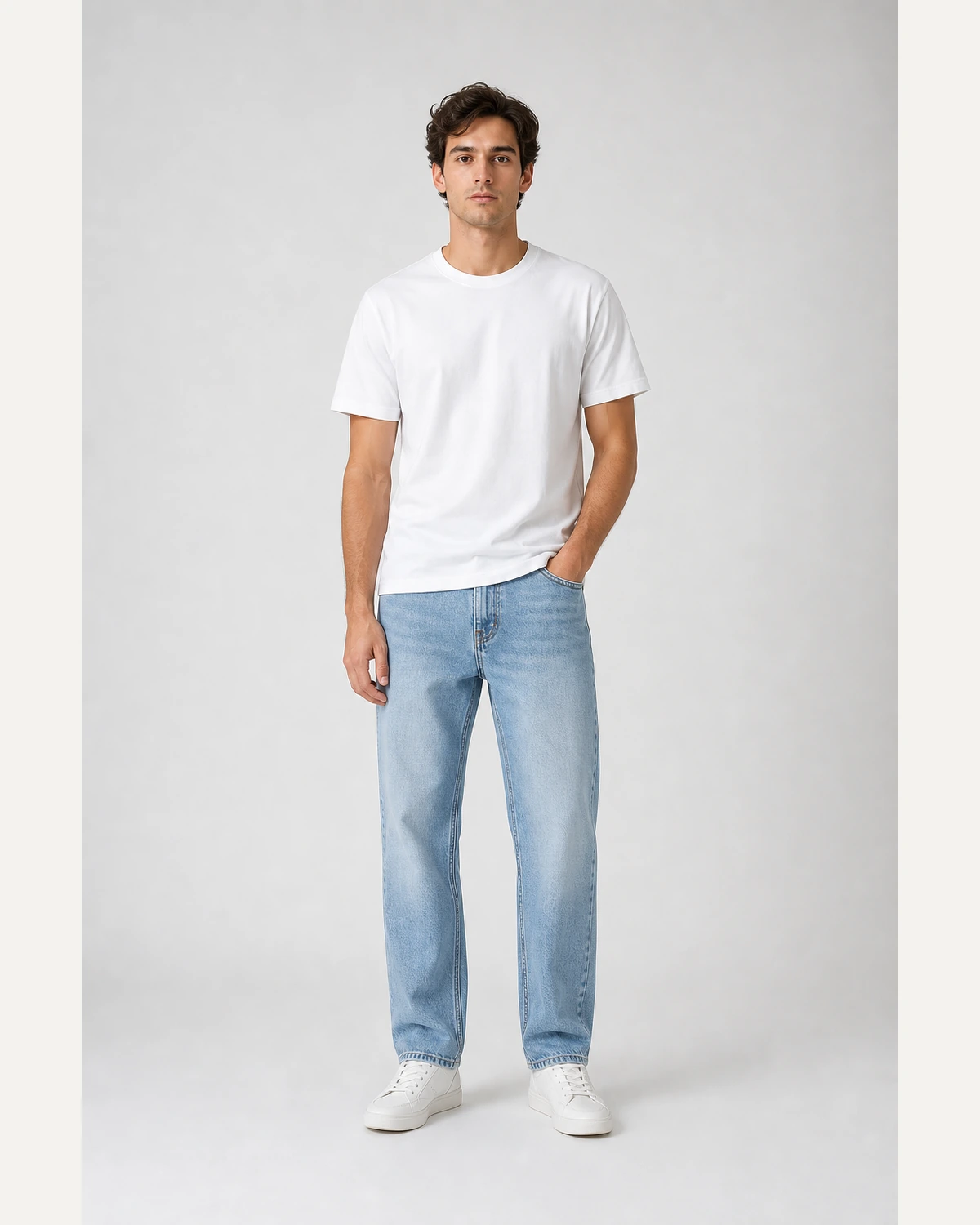 T-shirt
Use one source image to create clean on-model photos across core fashion categories.
Turn a flat-lay dress into a product page image that shows drape and length.
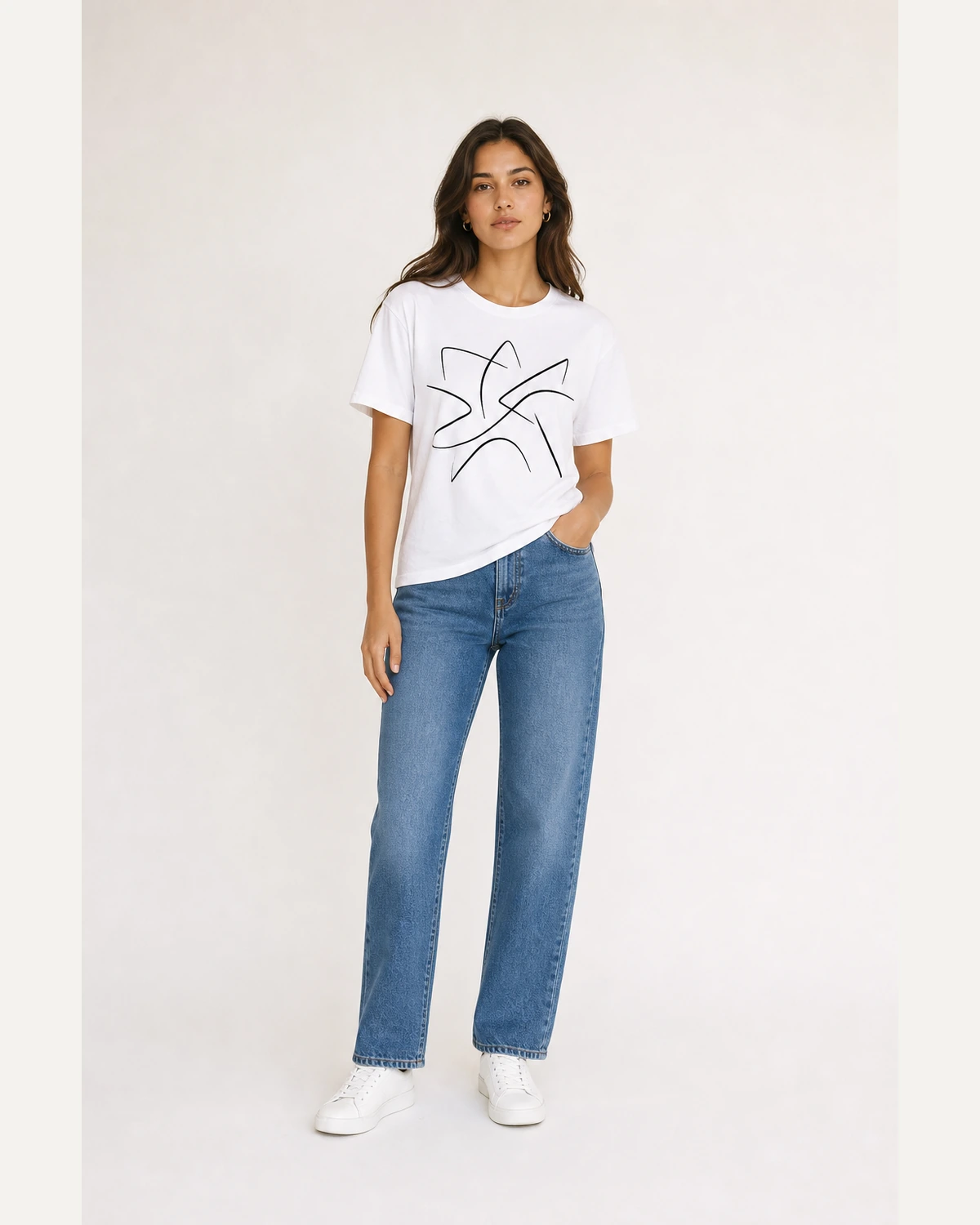
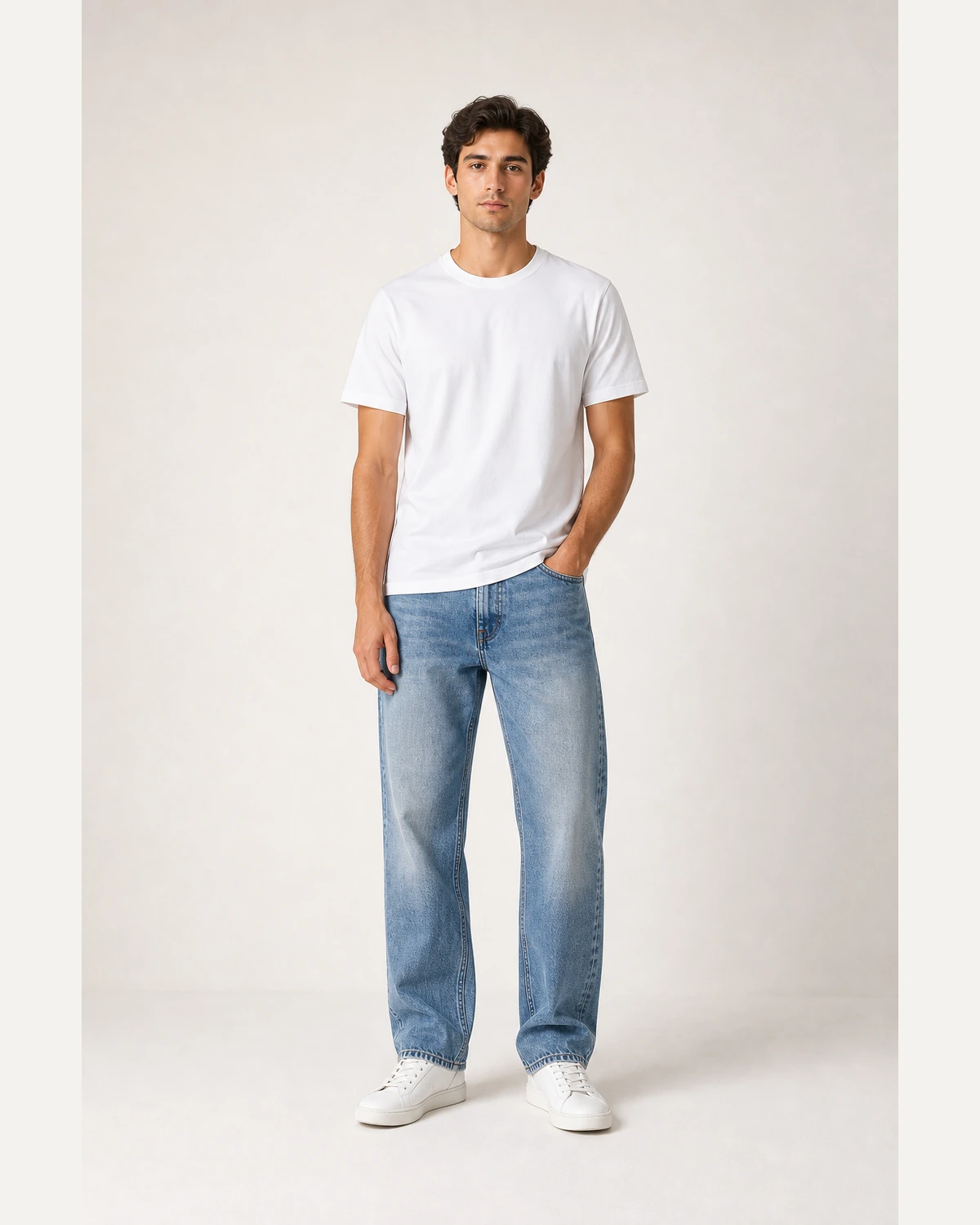
Keep print placement readable while creating model shots for POD and marketplaces.
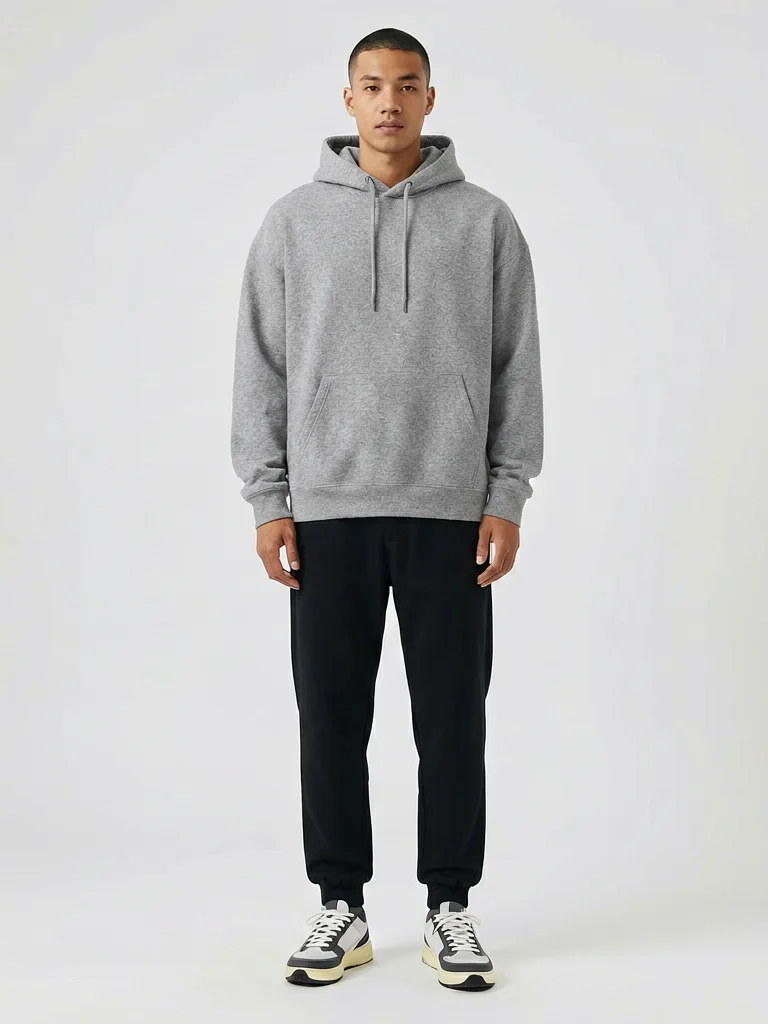
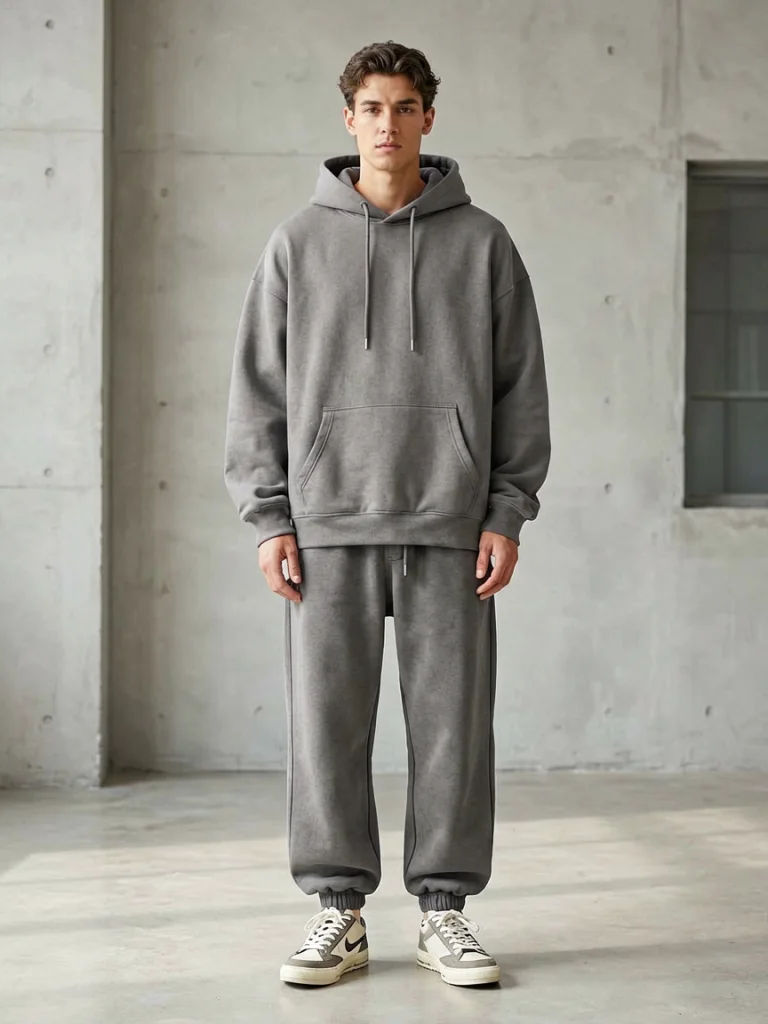
Show structure, sleeve volume, and casual fit without booking a lifestyle shoot.
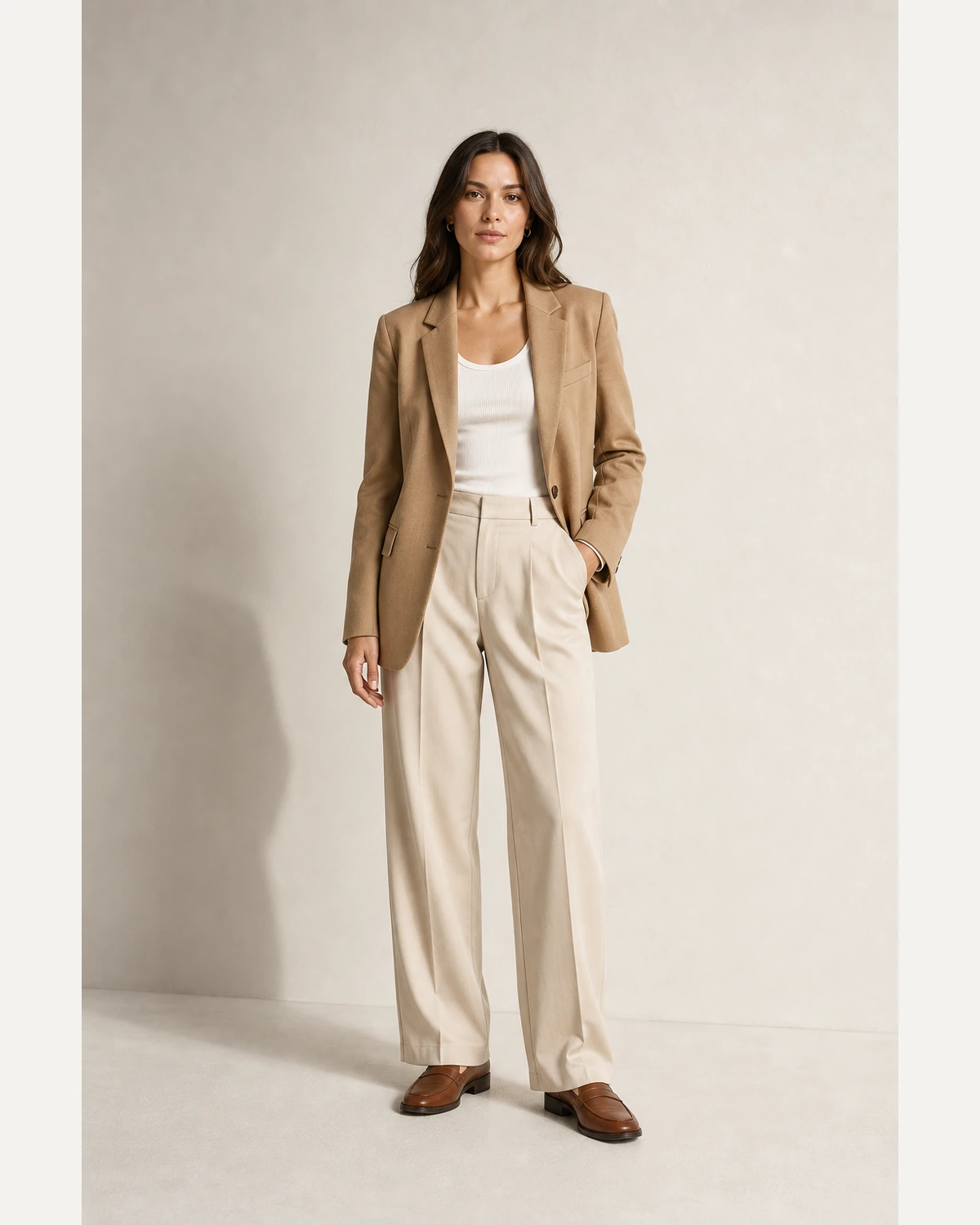
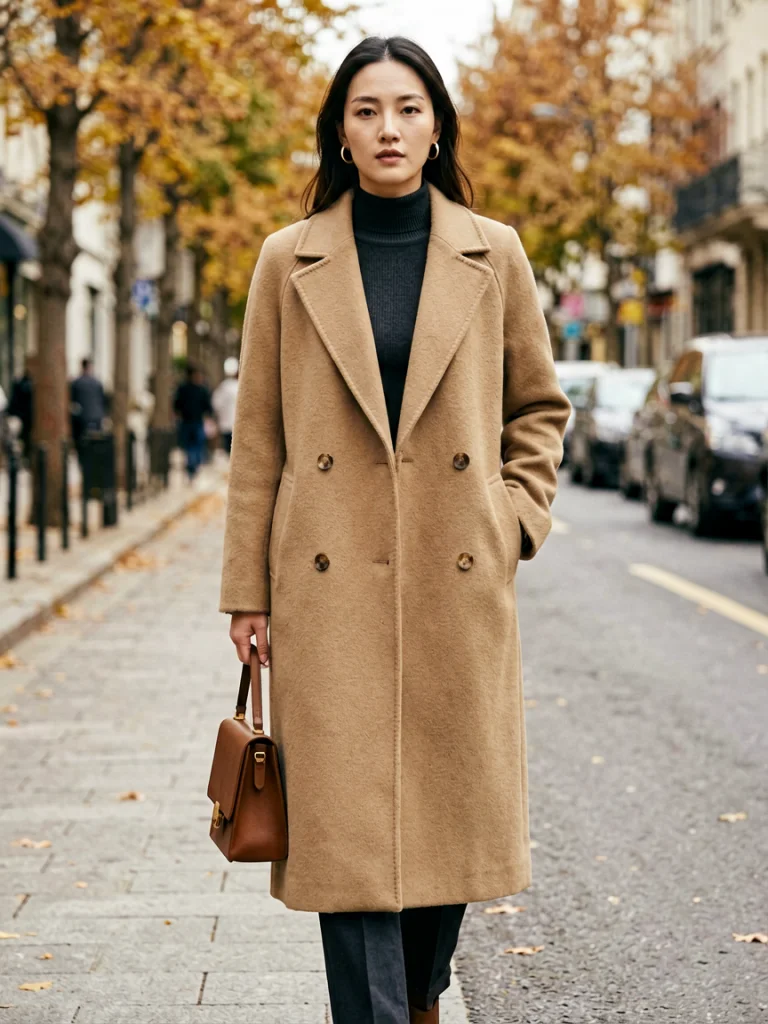
Create catalogue-ready outerwear images with consistent framing and lighting.
Start from a flat-lay, hanger shot, ghost mannequin image, or simple packshot. No model reference is required.
Generate product visuals before samples, launches, and marketplace tests without studio schedules.
Use the same visual language across products, categories, drops, and sales channels.
Use AI Fashion Model for batch launches, marketplace refreshes, API workflows, and consistent product photography across your whole clothing catalog.
Move from product photo to model image without a photographer, studio, or reshoot.
Use a clean image of one garment: flat-lay, hanger, ghost mannequin, or packshot.
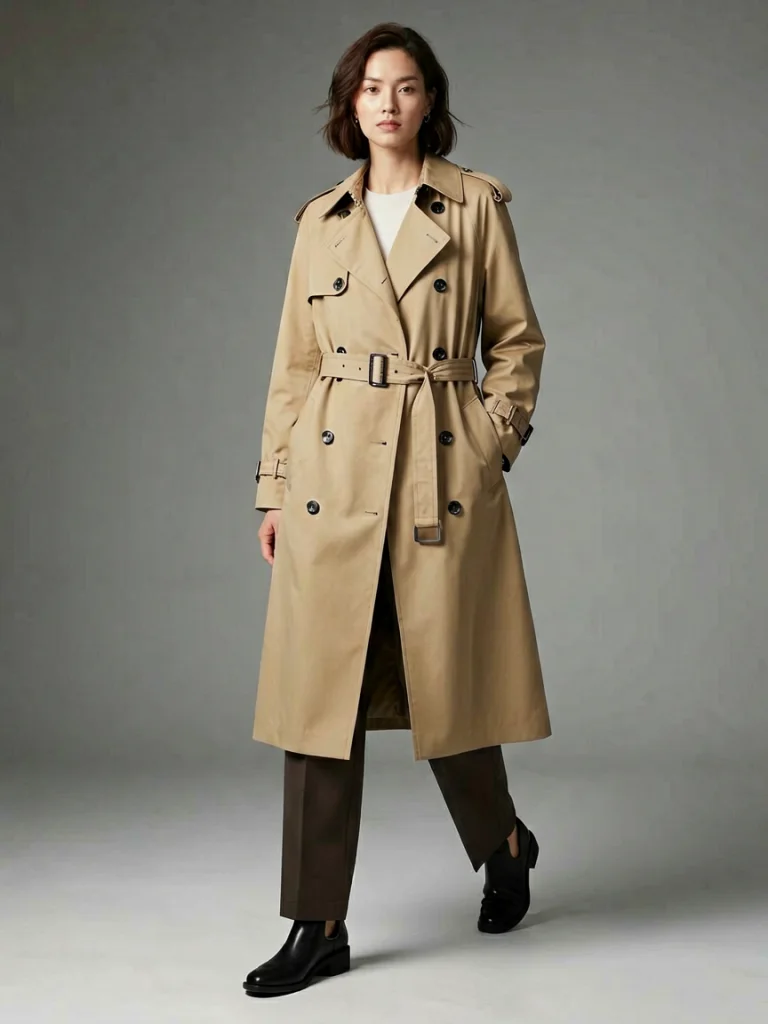
Choose the model type, skin tone, pose, background, and aspect ratio for the channel.
Download a realistic image that preserves the garment color, pattern, print, and fabric detail.
Create category, audience, and marketplace-specific product photos without changing the source garment.
Model A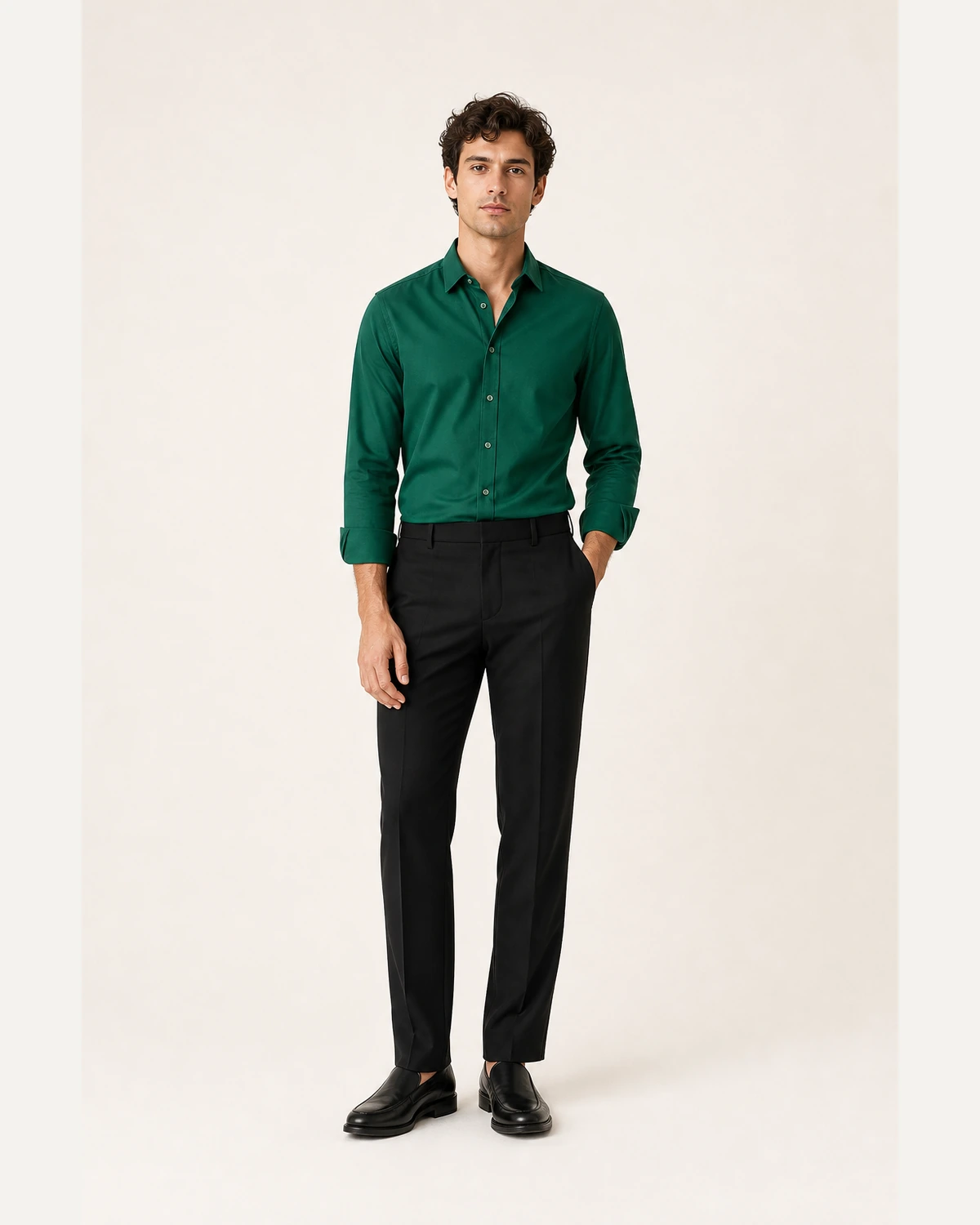 Model B
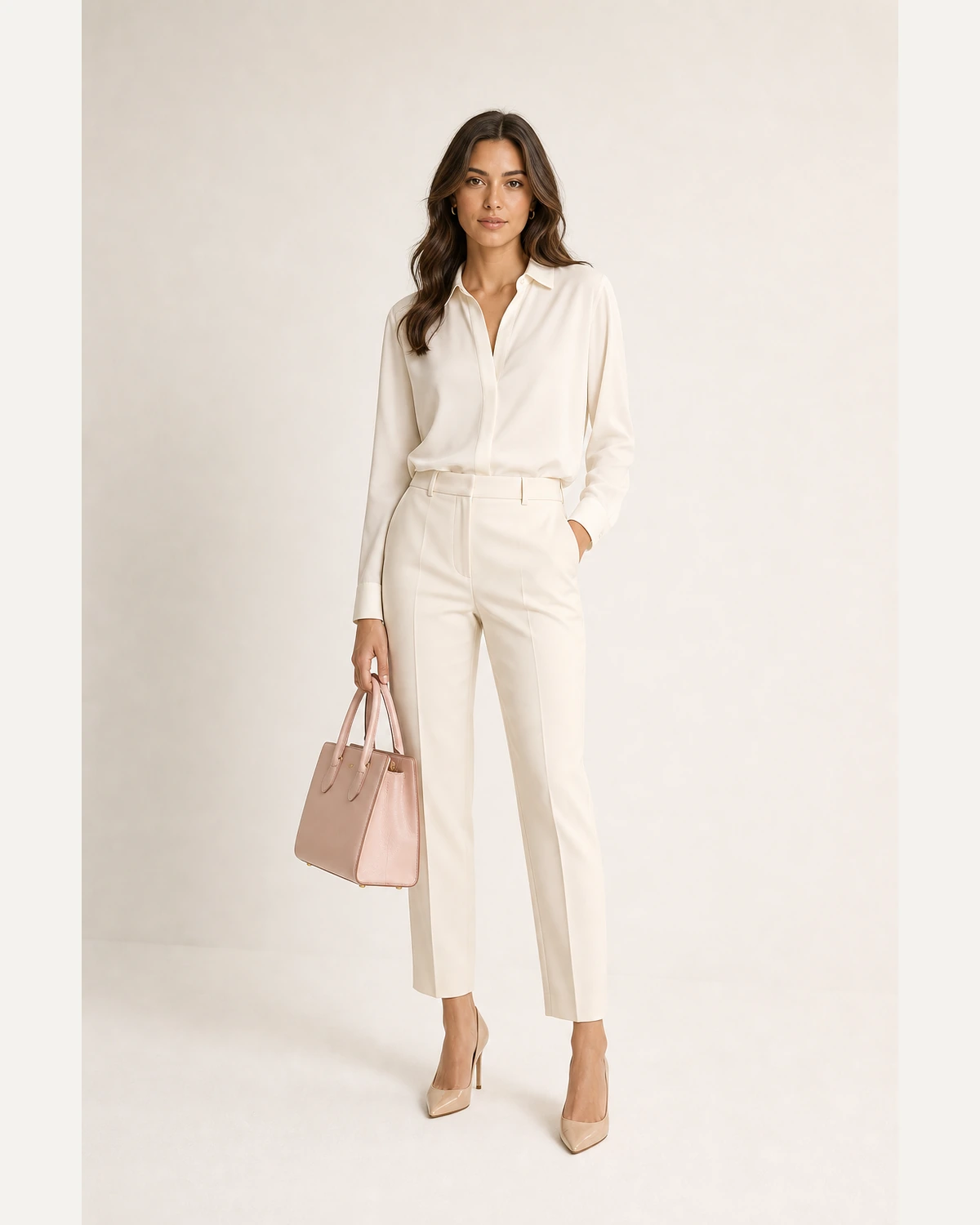 Model C
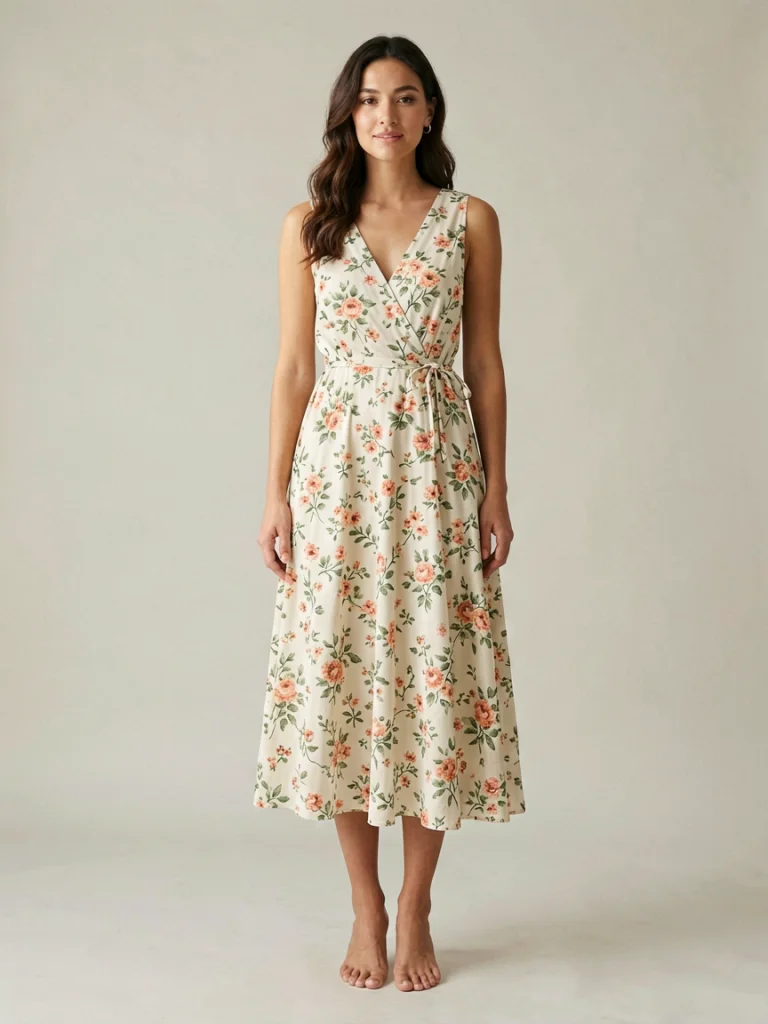 DressT-shirtCoatUploadChooseResult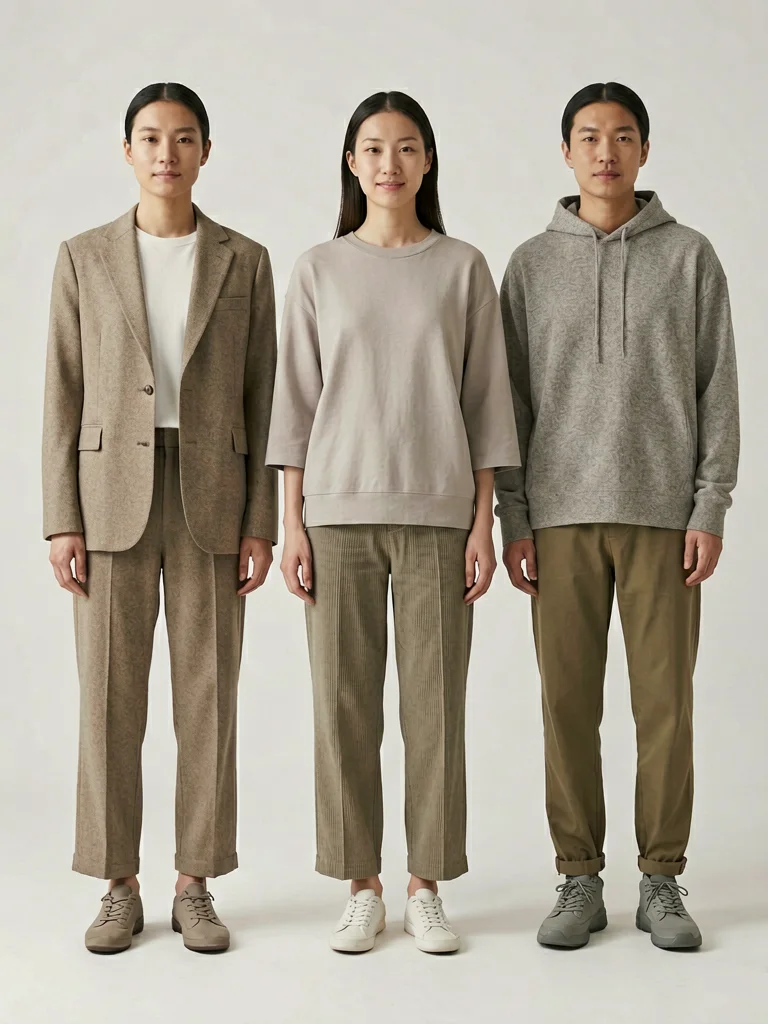
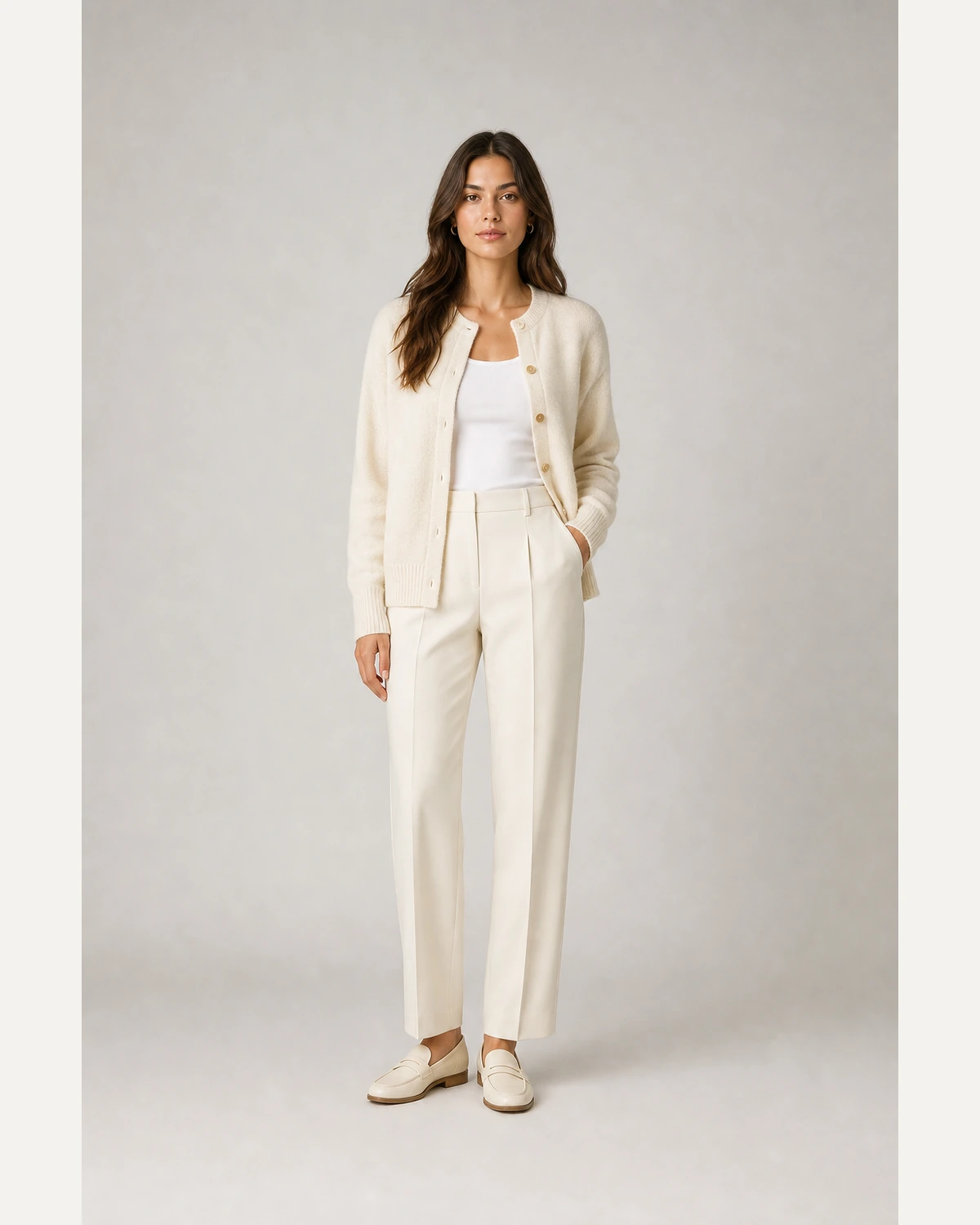
Show fit and scale with clean PDP-ready model photos.
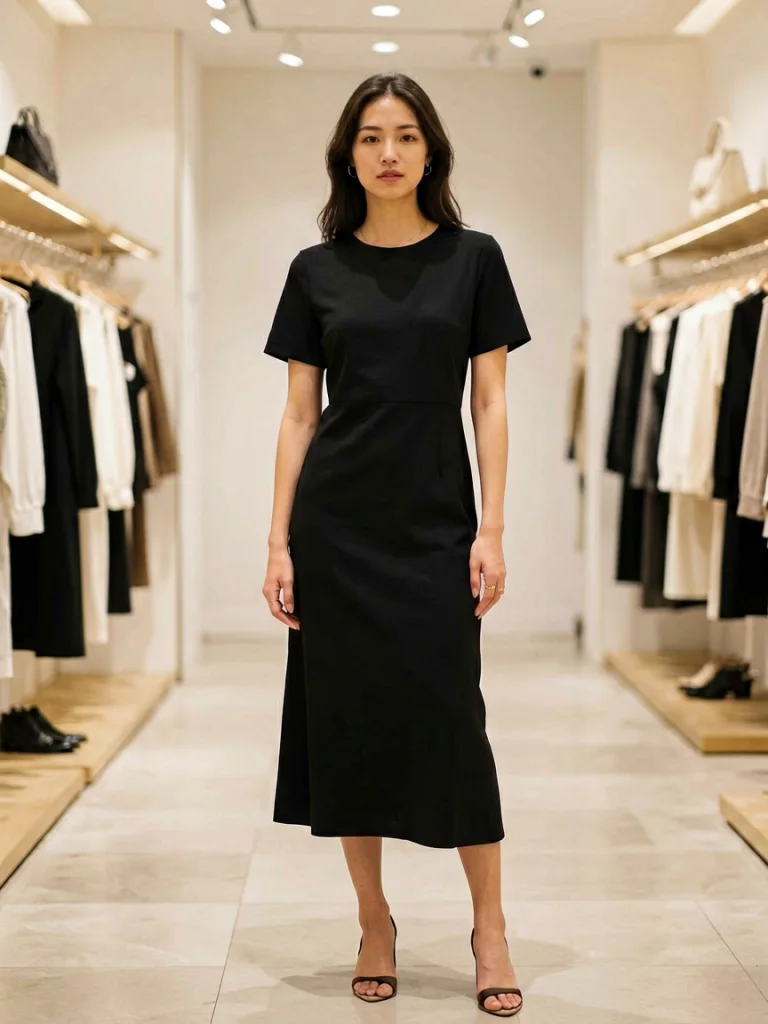
Prepare consistent visuals for each sales channel.
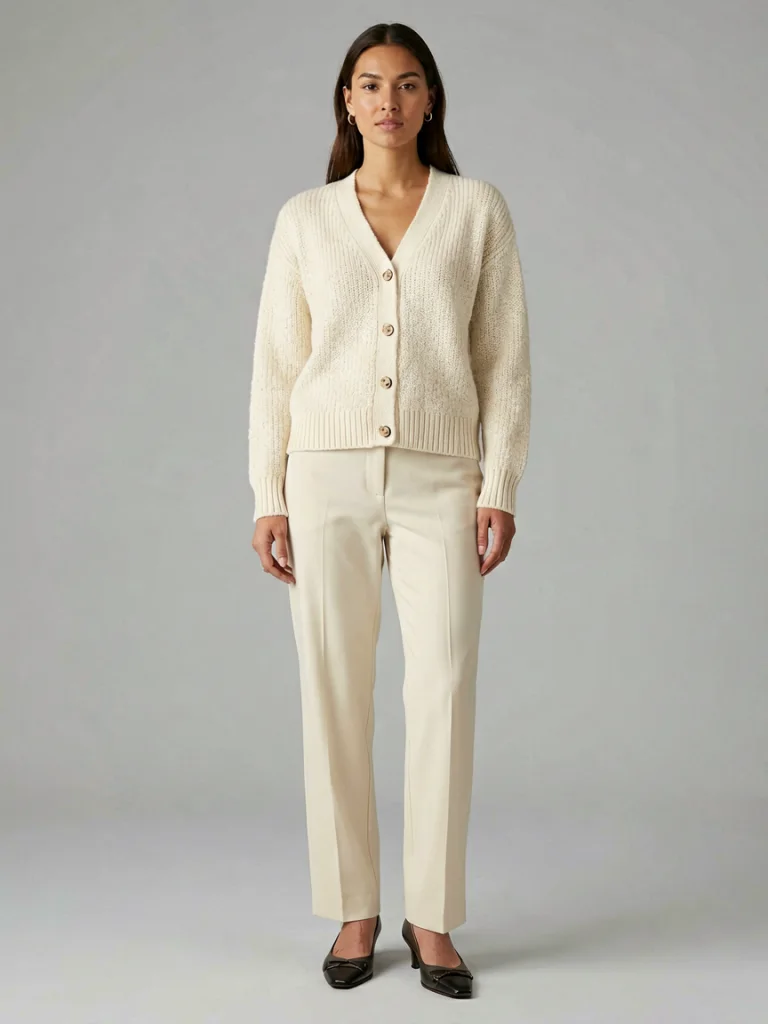
Create lifestyle variants for paid social and launch campaigns.
Build seasonal edits without coordinating a new shoot.
Upload a garment photo and create a realistic model image. Your first generation is free.
✓ Love your result? Unlock unlimited generations and full resolution.
Get unlimited →The garment print, color, and fabric are preserved while AI builds a realistic model around it.
Yes. Upload one flat-lay, hanger shot, ghost mannequin image, or packshot of a single garment, then generate an on-model image.
T-shirts, dresses, hoodies, coats, activewear, knitwear, and most single garments work well. Clean, evenly lit source images produce the sharpest results.
The workflow is designed to preserve color, print placement, texture, and visible construction details while placing the garment on a model.
Yes. Use studio white for marketplace-style product images, and lifestyle or editorial backgrounds for ads, social, and lookbooks.
Virtual try-on often starts from a person or model. This page is optimized for starting from the clothing image and generating a new on-model product photo.
Start with one garment photo and create a realistic on-model image for your next product page.
Generate free →